> ## Documentation Index
> Fetch the complete documentation index at: https://docs.love.rip/llms.txt
> Use this file to discover all available pages before exploring further.
# Aliases
> Extra usernames that point to your page or to one of your profiles.
An alias is a second address for your page. If you add the alias `nickname`, then `love.rip/nickname` opens the profile you chose.
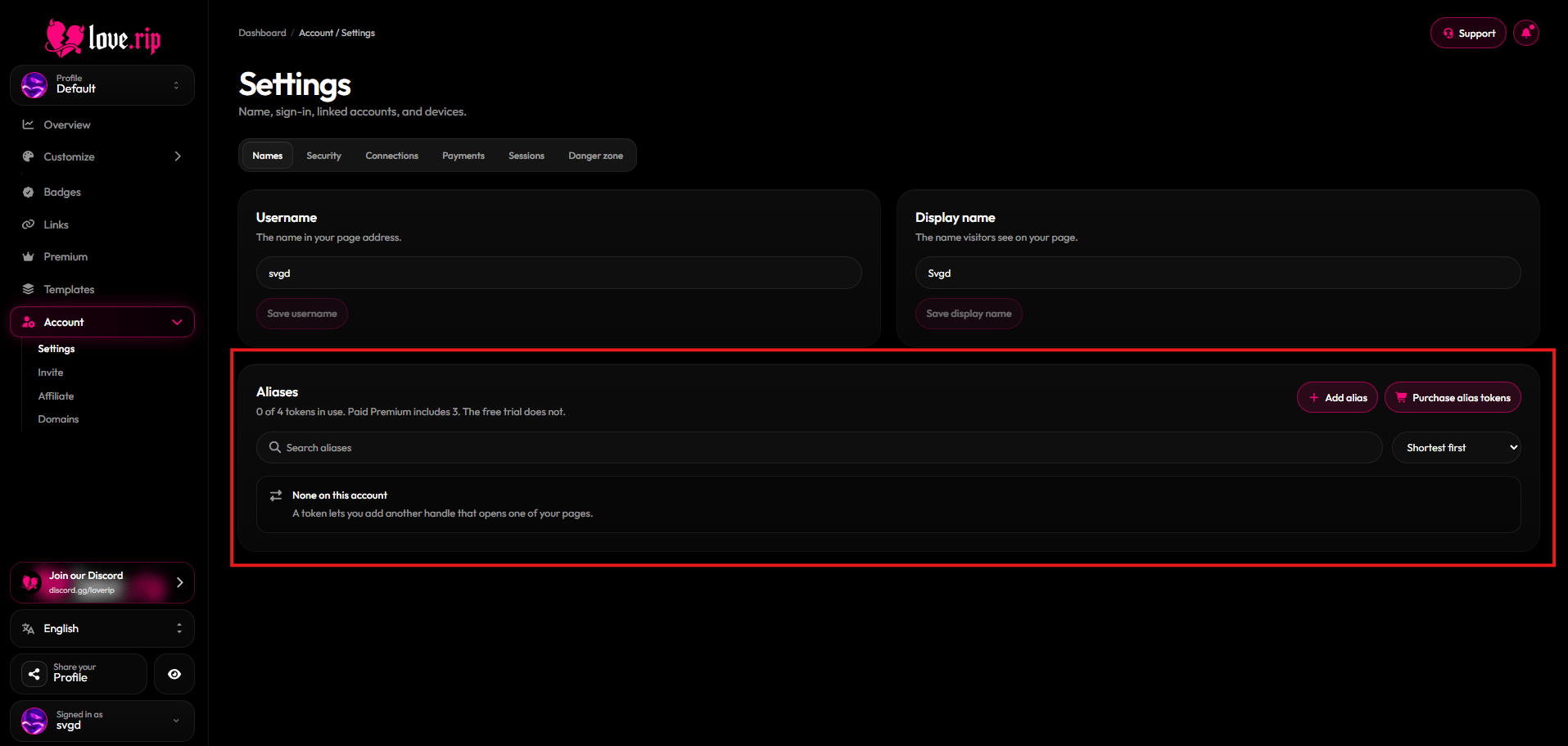
**Where to find it:** Account → Settings → **Names** tab, or [love.rip/dashboard/account](https://www.love.rip/dashboard/account).
 ## Add an alias
Each alias uses 1 alias token. Buy them at [love.rip/pricing/alias](https://www.love.rip/pricing/alias) (\$1.99 each).
In the Aliases panel, enter the handle you want and pick which profile it should open.
Paid Premium includes 3 alias tokens. The free trial does not.
Aliases are a great way to give one of your [extra profiles](/profile/multiple-profiles) its own link.
## Gift alias tokens
You can buy alias tokens for another member. Pick **Gift** on [love.rip/pricing/alias](https://www.love.rip/pricing/alias?for=gift) and choose who gets them.
This documentation is built and hosted on [Mintlify](https://mintlify.com), a developer documentation platform.
## Add an alias
Each alias uses 1 alias token. Buy them at [love.rip/pricing/alias](https://www.love.rip/pricing/alias) (\$1.99 each).
In the Aliases panel, enter the handle you want and pick which profile it should open.
Paid Premium includes 3 alias tokens. The free trial does not.
Aliases are a great way to give one of your [extra profiles](/profile/multiple-profiles) its own link.
## Gift alias tokens
You can buy alias tokens for another member. Pick **Gift** on [love.rip/pricing/alias](https://www.love.rip/pricing/alias?for=gift) and choose who gets them.
This documentation is built and hosted on [Mintlify](https://mintlify.com), a developer documentation platform.