> ## Documentation Index
> Fetch the complete documentation index at: https://docs.love.rip/llms.txt
> Use this file to discover all available pages before exploring further.
# Create your account
> Sign up, pick your username and finish the quick setup.
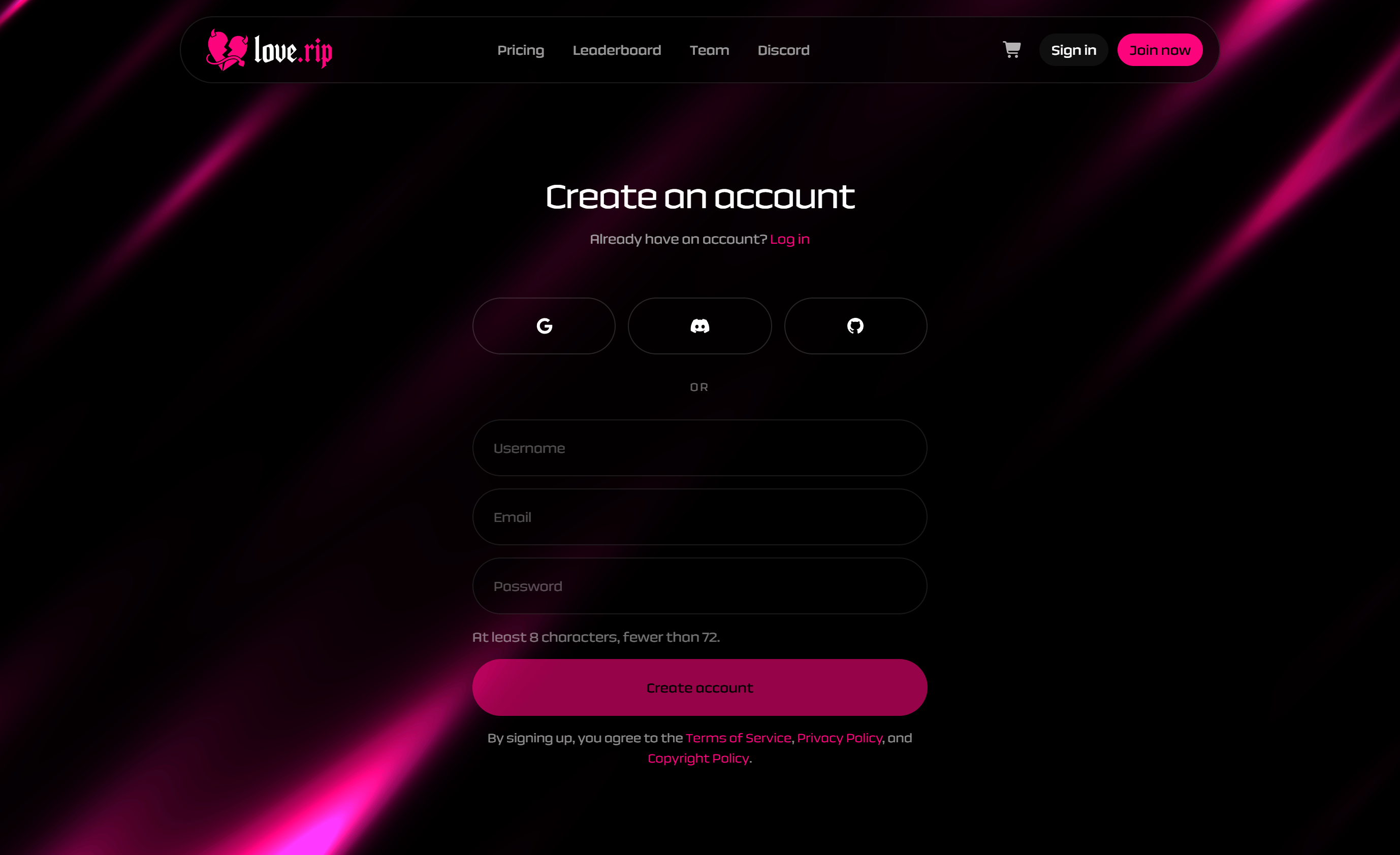
## Sign up
Make a free account with email or a social login. Once you're in, you'll go straight to setup.
**Where to find it:** the sign-up page at [love.rip/sign-up](https://www.love.rip/sign-up). Already have an account? Use [love.rip/sign-in](https://www.love.rip/sign-in).
 ## Finish onboarding
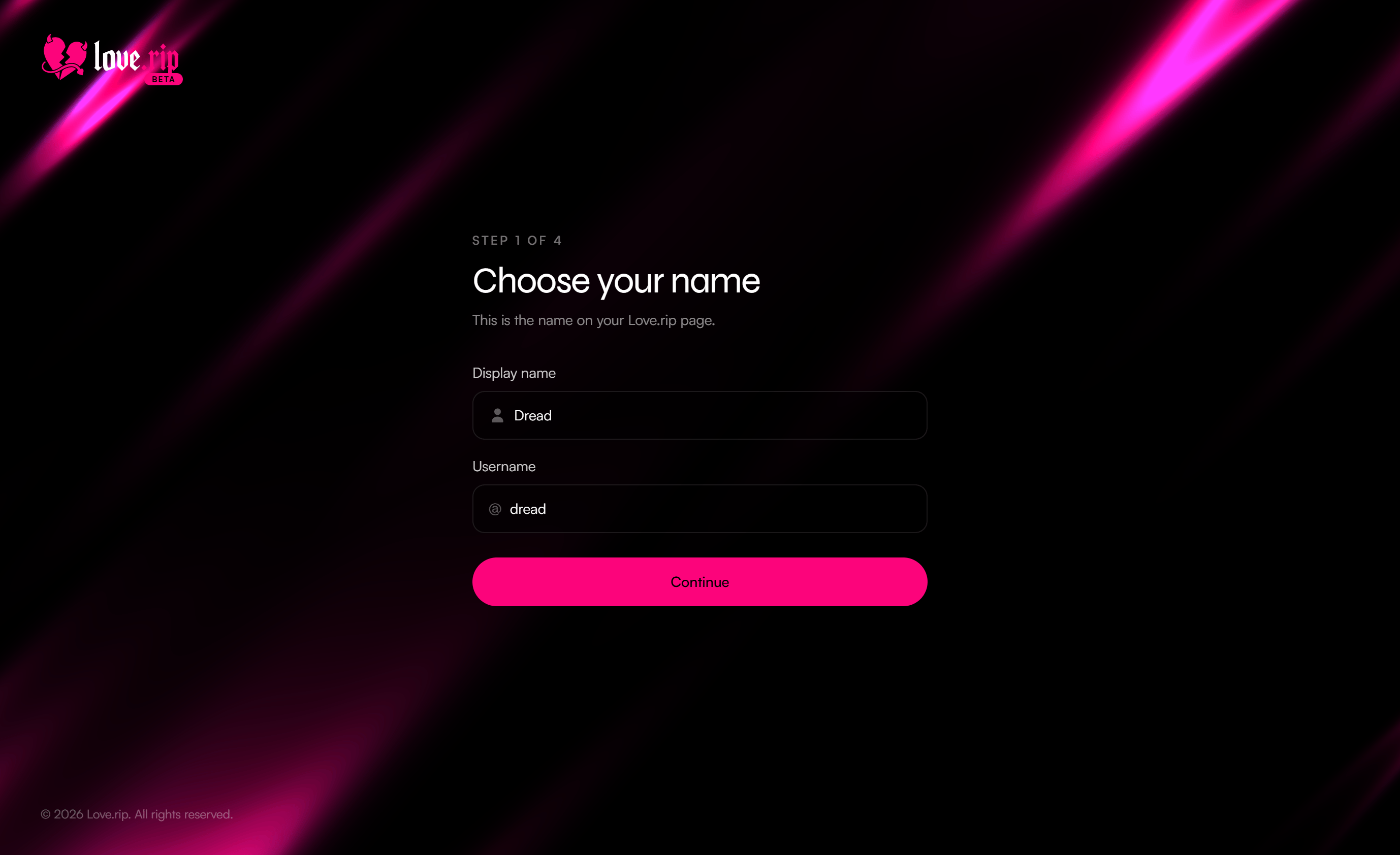
Setup has 4 short steps. You can leave and come back. Your progress stays put.
**Where to find it:** [love.rip/onboarding](https://www.love.rip/onboarding) (you're sent here automatically after signing up).
Enter a **Display name** and a **Username**. Your username becomes your page address: `love.rip/yourname`. Usernames are lowercase.
Pick one option. If you choose "Other", type where.
Pick the option that fits you best.
Start the 7-day free trial, buy Premium, or skip and stay on the free plan.
## Finish onboarding
Setup has 4 short steps. You can leave and come back. Your progress stays put.
**Where to find it:** [love.rip/onboarding](https://www.love.rip/onboarding) (you're sent here automatically after signing up).
Enter a **Display name** and a **Username**. Your username becomes your page address: `love.rip/yourname`. Usernames are lowercase.
Pick one option. If you choose "Other", type where.
Pick the option that fits you best.
Start the 7-day free trial, buy Premium, or skip and stay on the free plan.
.png?fit=max&auto=format&n=lWOttRo6BGNcvgSp&q=85&s=c3f0c6422d265f034591b572540cb0c5 "Www Love Rip Onboarding (3)") The free trial can only be used once per account. See [Premium](/premium/overview) for what's included.
## Joined through a friend's invite?
If a friend sent you an invite link, just sign up through it. Your join counts for them once you finish onboarding with a username. More in [Invites](/grow/invites).
This documentation is built and hosted on [Mintlify](https://mintlify.com), a developer documentation platform.
The free trial can only be used once per account. See [Premium](/premium/overview) for what's included.
## Joined through a friend's invite?
If a friend sent you an invite link, just sign up through it. Your join counts for them once you finish onboarding with a username. More in [Invites](/grow/invites).
This documentation is built and hosted on [Mintlify](https://mintlify.com), a developer documentation platform.