> ## Documentation Index
> Fetch the complete documentation index at: https://docs.love.rip/llms.txt
> Use this file to discover all available pages before exploring further.
# Share your profile
> Copy your link, open your page or download a QR code.
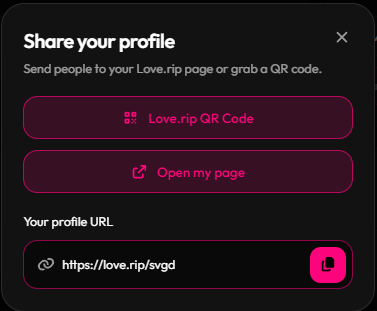
Grab your link or a QR code to drop in your bio, stories or server.
**Where to find it:** the **Share your Profile** button at the bottom of the sidebar.
Click **Share your Profile**.
Copy **Your profile URL**, or click **Open my page** to see it live.
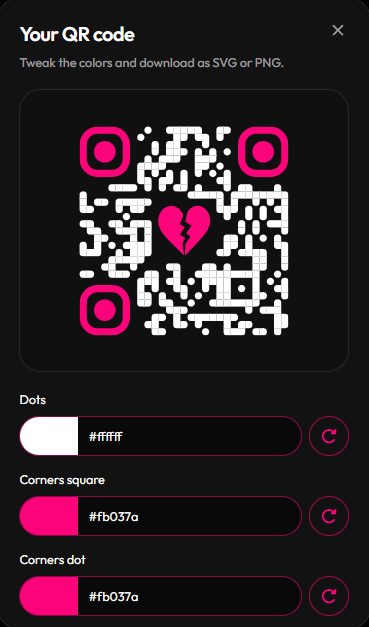
Click **love.rip QR Code**. Change the colors of the dots, corner squares and corner dots, then download it as **SVG** or **PNG**.
 Want your link to look great when you paste it in Discord? Set up your [share card](/profile/metadata).
This documentation is built and hosted on [Mintlify](https://mintlify.com), a developer documentation platform.
Want your link to look great when you paste it in Discord? Set up your [share card](/profile/metadata).
This documentation is built and hosted on [Mintlify](https://mintlify.com), a developer documentation platform.