> ## Documentation Index
> Fetch the complete documentation index at: https://docs.love.rip/llms.txt
> Use this file to discover all available pages before exploring further.
# Section Builder
> Add extra sections below your profile: About Me, Projects, Games, Gallery and more.
Sections are full blocks that visitors scroll to below your profile. You can add up to 12.
**Where to find it:** Customize → **Section Builder**, or [love.rip/dashboard/profile/section-builder](https://www.love.rip/dashboard/profile/section-builder).
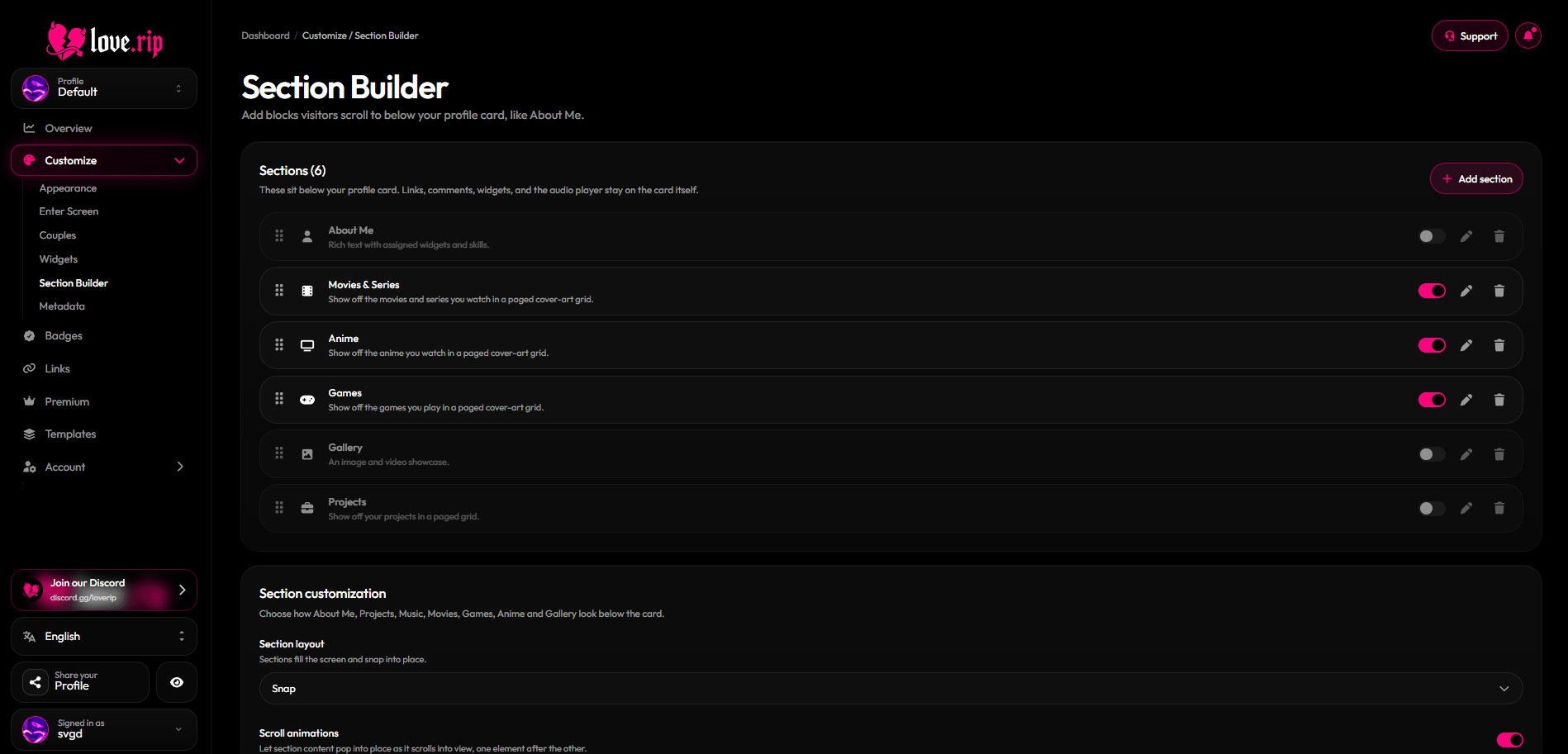 ## Section types
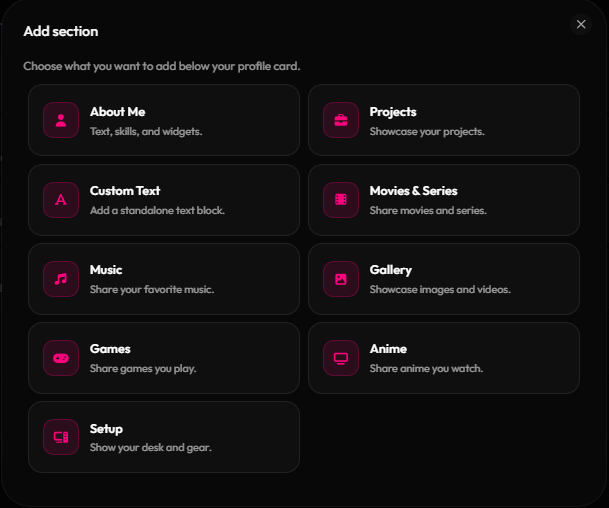
| Section | What it shows |
| - | - |
| **About Me** | Rich text plus skills and widgets |
| **Projects** | Your projects in a paged grid (up to 12) |
| **Custom Text** | A standalone block of text. You can add more than one |
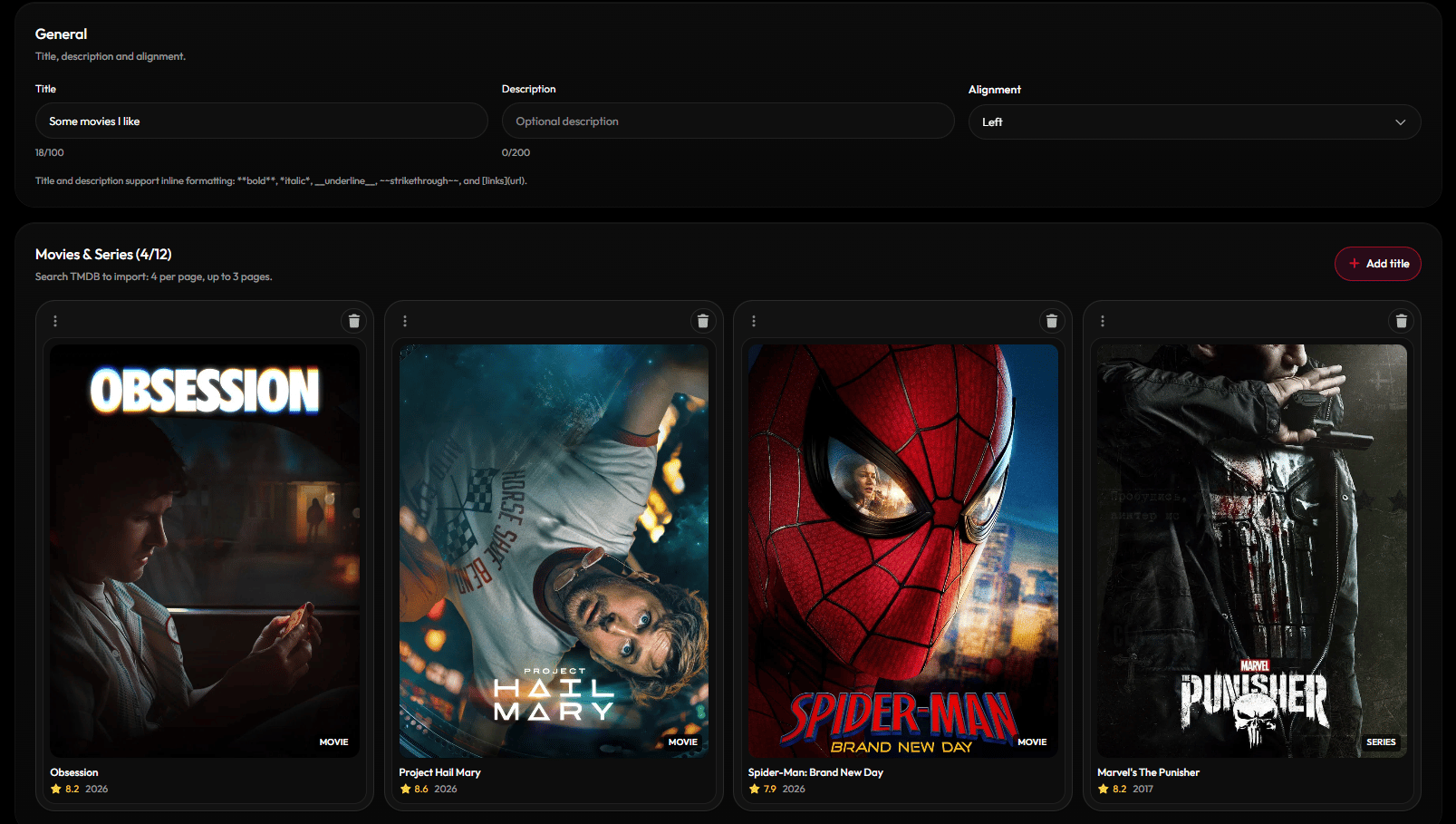
| **Movies & Series** | A cover-art grid. Search TMDB to add titles (up to 12) |
| **Music** | The songs you listen to, in a cover-art grid |
| **Gallery** | Images and videos (up to 12) in Half, Full or Large sizes |
| **Games** | A cover-art grid. Search to add games (up to 12) |
| **Anime** | A cover-art grid. Search AniList to add shows (up to 12) |
| **Setup** | Your GPU, monitor and the rest of your desk as linked cards |
Each type except Custom Text can be added once.
## Section types
| Section | What it shows |
| - | - |
| **About Me** | Rich text plus skills and widgets |
| **Projects** | Your projects in a paged grid (up to 12) |
| **Custom Text** | A standalone block of text. You can add more than one |
| **Movies & Series** | A cover-art grid. Search TMDB to add titles (up to 12) |
| **Music** | The songs you listen to, in a cover-art grid |
| **Gallery** | Images and videos (up to 12) in Half, Full or Large sizes |
| **Games** | A cover-art grid. Search to add games (up to 12) |
| **Anime** | A cover-art grid. Search AniList to add shows (up to 12) |
| **Setup** | Your GPU, monitor and the rest of your desk as linked cards |
Each type except Custom Text can be added once.
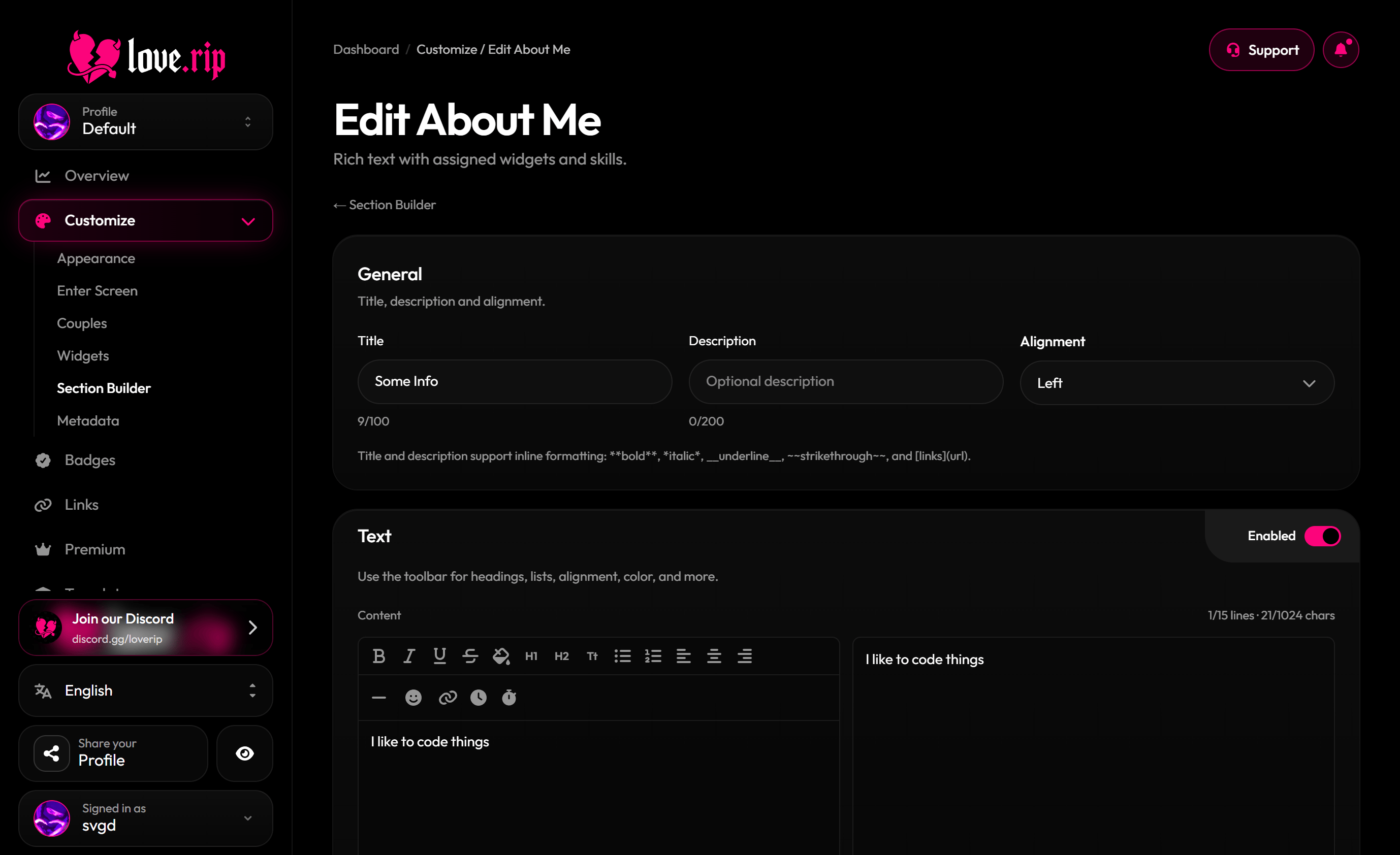
 ## About Me
Give it a title (up to 100 characters), a description (up to 200) and a body (up to 1,024 characters and 15 lines). Add up to 10 skills and place widgets inside it, sized Full row, Half row, Full row (centered), Tall half width or Tall full width.
## About Me
Give it a title (up to 100 characters), a description (up to 200) and a body (up to 1,024 characters and 15 lines). Add up to 10 skills and place widgets inside it, sized Full row, Half row, Full row (centered), Tall half width or Tall full width.
 ## Section look
Each section can have its own container color, border and alignment (Left, Center or Right).
### Border effects Premium
Add a moving border effect to a section.
## Scrolling and navigation
Choose how sections sit on the page:
* **Compact:** sections sit closer together, using your spacing settings.
* **Normal:** full-screen distance, no snapping.
* **Snap:** each section fills the screen and snaps into place.
You can also turn on scroll animations, set the spacing, pick title and description colors, show a navigator (**Lines**, **Dots** or **Icons**), show a "Scroll for more" hint with your own text, and turn on auto-scroll.
## Section look
Each section can have its own container color, border and alignment (Left, Center or Right).
### Border effects Premium
Add a moving border effect to a section.
## Scrolling and navigation
Choose how sections sit on the page:
* **Compact:** sections sit closer together, using your spacing settings.
* **Normal:** full-screen distance, no snapping.
* **Snap:** each section fills the screen and snaps into place.
You can also turn on scroll animations, set the spacing, pick title and description colors, show a navigator (**Lines**, **Dots** or **Icons**), show a "Scroll for more" hint with your own text, and turn on auto-scroll.
 This documentation is built and hosted on [Mintlify](https://mintlify.com), a developer documentation platform.