> ## Documentation Index
> Fetch the complete documentation index at: https://docs.love.rip/llms.txt
> Use this file to discover all available pages before exploring further.
# Effects
> Add motion: background effects, username effects, cursor trails and click sounds.
Everything here is on the **Effects** tab of Appearance. Locked options show a **Premium** tag. Picking one opens the upgrade.
**Where to find it:** Customize → Appearance → **Effects** tab, or [love.rip/dashboard/customize?tab=effects](https://www.love.rip/dashboard/customize?tab=effects).
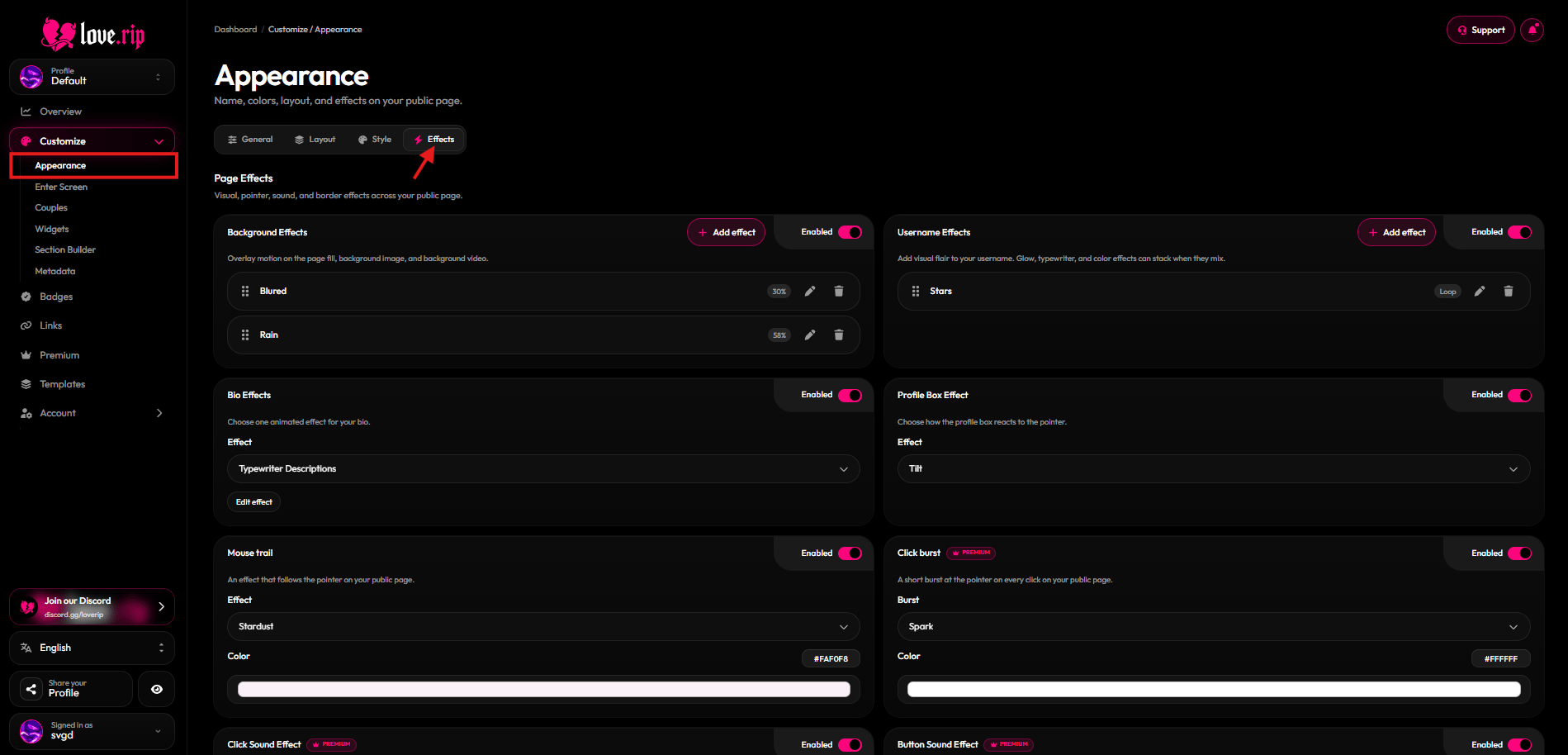 ## Background effects
Layer effects over your background: **Fuzzy**, **Blured**, **Old TV**, **Dither**, **Rain**, **Particles** and **Snowflake**. You can stack up to 6.
**Where to find it:** Effects tab → **Background Effects**.
## Background effects
Layer effects over your background: **Fuzzy**, **Blured**, **Old TV**, **Dither**, **Rain**, **Particles** and **Snowflake**. You can stack up to 6.
**Where to find it:** Effects tab → **Background Effects**.
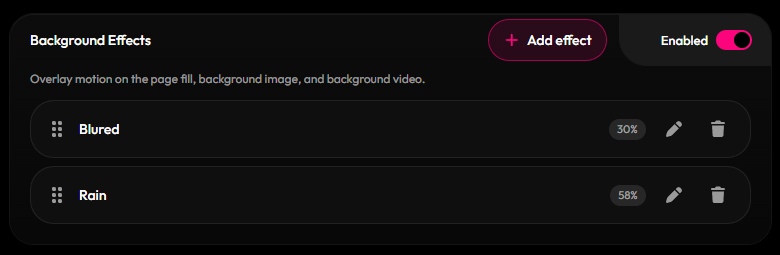 ## Username effects
Make your name pop. Stack up to 3 effects when they work together.
* **Free:** Gradient, Rainbow, Glow, Stars
* **Premium** Premium: Fuzzy, Typewriter, Decrypt, Flames, Shimmer, Flicker, Distort, Lock On
**Where to find it:** Effects tab → **Username Effects**.
## Username effects
Make your name pop. Stack up to 3 effects when they work together.
* **Free:** Gradient, Rainbow, Glow, Stars
* **Premium** Premium: Fuzzy, Typewriter, Decrypt, Flames, Shimmer, Flicker, Distort, Lock On
**Where to find it:** Effects tab → **Username Effects**.
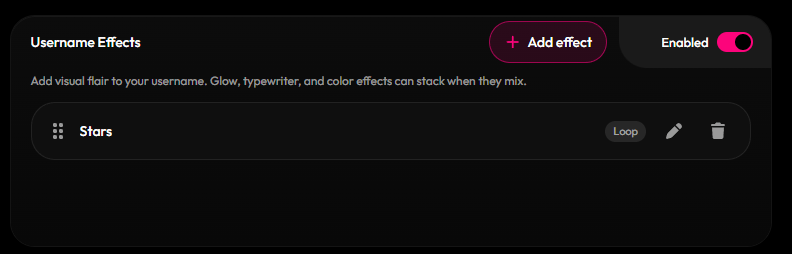 ## Bio effects
Add one effect to your bio. **Glow** is free. Every other bio effect, including **Typewriter Descriptions**, needs Premium.
**Where to find it:** Effects tab → **Bio Effects**.
## Bio effects
Add one effect to your bio. **Glow** is free. Every other bio effect, including **Typewriter Descriptions**, needs Premium.
**Where to find it:** Effects tab → **Bio Effects**.
 ## Profile box effect
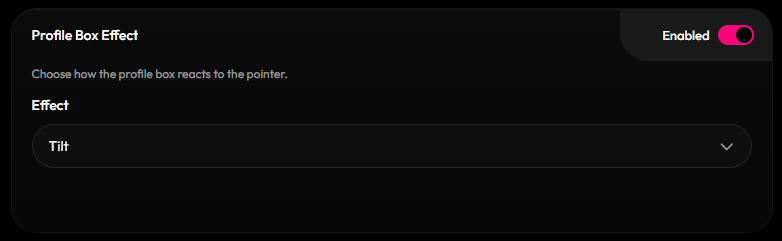
Make the profile box react to the mouse with **Tilt**, **Depth** or **Glare**.
**Where to find it:** Effects tab → **Profile Box Effect**.
## Profile box effect
Make the profile box react to the mouse with **Tilt**, **Depth** or **Glare**.
**Where to find it:** Effects tab → **Profile Box Effect**.
 ## Cursor trails
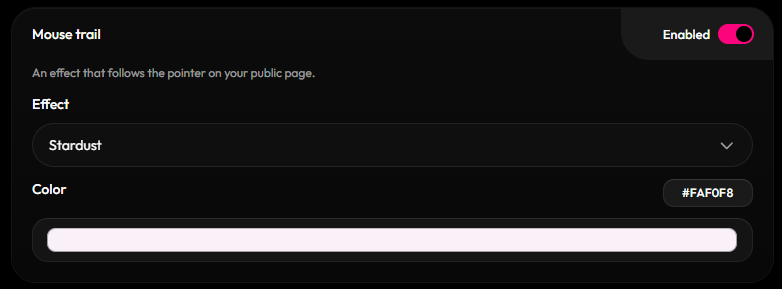
Leave a trail behind the mouse.
* **Free:** Hearts, Trail, Cursor Cat (a little cat that chases the cursor, with different skins)
* **Premium** Premium: Canvas, Snowflake, Bubble, Rainbow, Stardust, Ribbon
**Where to find it:** Effects tab → mouse trail settings.
## Cursor trails
Leave a trail behind the mouse.
* **Free:** Hearts, Trail, Cursor Cat (a little cat that chases the cursor, with different skins)
* **Premium** Premium: Canvas, Snowflake, Bubble, Rainbow, Stardust, Ribbon
**Where to find it:** Effects tab → mouse trail settings.
 ## Click bursts and sounds Premium
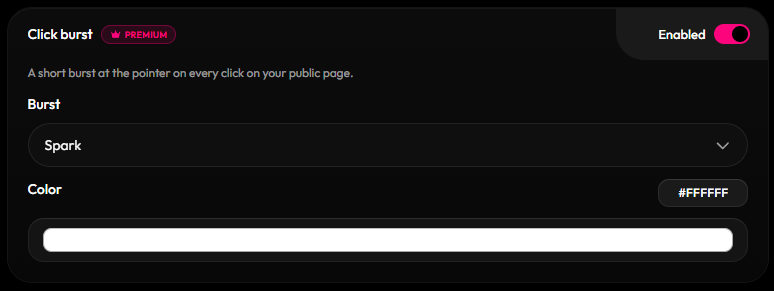
* **Click burst:** Spark, Hearts, Sparkles or Confetti when someone clicks.
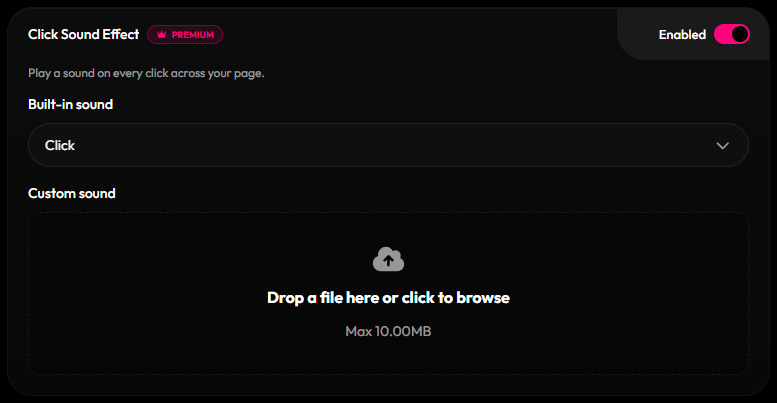
* **Click Sound Effect** and **Button Sound Effect:** pick a built-in sound (Silent, Ascend, Blip, Bubble, Click, Gun click, Pop, Sparkle) or upload your own (up to 10MB).
**Where to find it:** Effects tab → **Page Effects**.
## Click bursts and sounds Premium
* **Click burst:** Spark, Hearts, Sparkles or Confetti when someone clicks.
* **Click Sound Effect** and **Button Sound Effect:** pick a built-in sound (Silent, Ascend, Blip, Bubble, Click, Gun click, Pop, Sparkle) or upload your own (up to 10MB).
**Where to find it:** Effects tab → **Page Effects**.
 This documentation is built and hosted on [Mintlify](https://mintlify.com), a developer documentation platform.