> ## Documentation Index
> Fetch the complete documentation index at: https://docs.love.rip/llms.txt
> Use this file to discover all available pages before exploring further.
# Layout
> Pick a layout preset and line things up the way you like.
## Layout presets
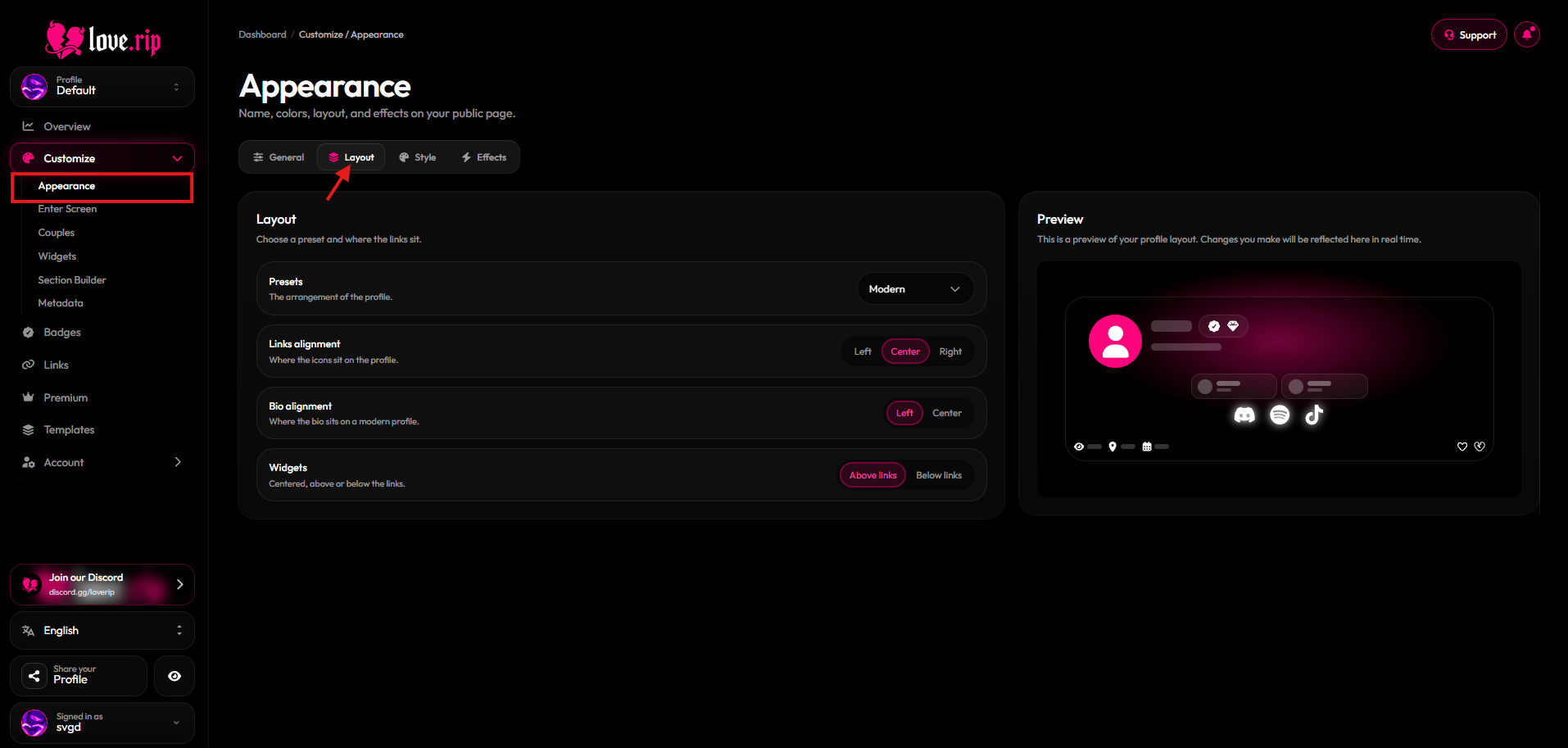
Choose the overall shape of your page: **Classic**, **Modern**, **Split** or **Floating**.
**Where to find it:** Customize → Appearance → **Layout** tab, or [love.rip/dashboard/customize?tab=layout](https://www.love.rip/dashboard/customize?tab=layout).
 ## Alignment and placement
Fine-tune where things sit:
* **Links alignment:** Left, Center or Right.
* **Bio alignment:** Left or Center (Modern layout only).
* **Badges:** Next to username or Below username (Classic and Floating layouts only).
* **Widgets:** Above links or Below links.
**Where to find it:** Customize → Appearance → **Layout** tab.
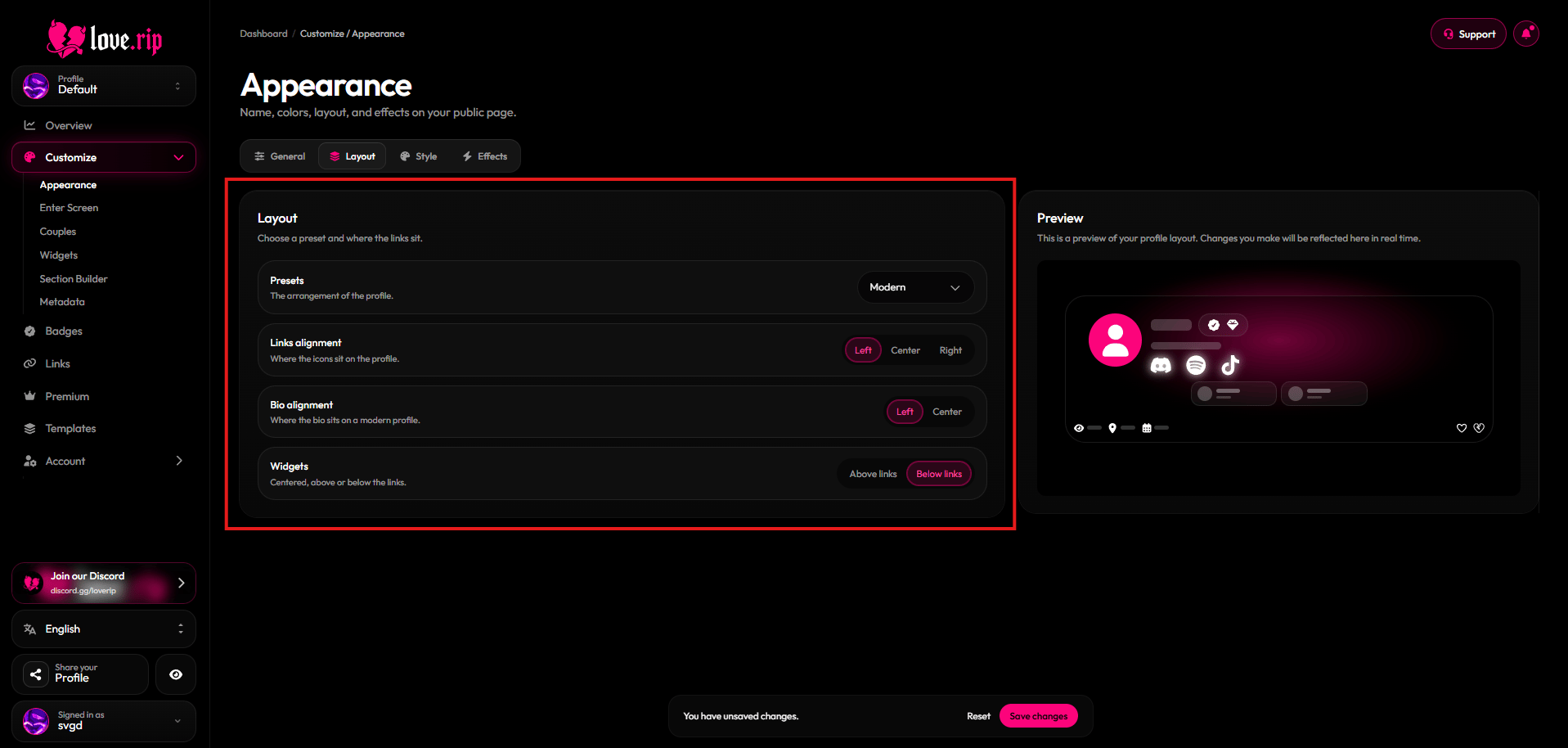
## Alignment and placement
Fine-tune where things sit:
* **Links alignment:** Left, Center or Right.
* **Bio alignment:** Left or Center (Modern layout only).
* **Badges:** Next to username or Below username (Classic and Floating layouts only).
* **Widgets:** Above links or Below links.
**Where to find it:** Customize → Appearance → **Layout** tab.
 This documentation is built and hosted on [Mintlify](https://mintlify.com), a developer documentation platform.