> ## Documentation Index
> Fetch the complete documentation index at: https://docs.love.rip/llms.txt
> Use this file to discover all available pages before exploring further.
# Avatar, backgrounds and music
> Upload your avatar, backgrounds, custom cursors and songs.
Your uploads live on the **General** tab of Appearance, in the Assets area.
**Where to find it:** Customize → Appearance → **General** tab, or [love.rip/dashboard/customize](https://www.love.rip/dashboard/customize).
## Avatar and decoration
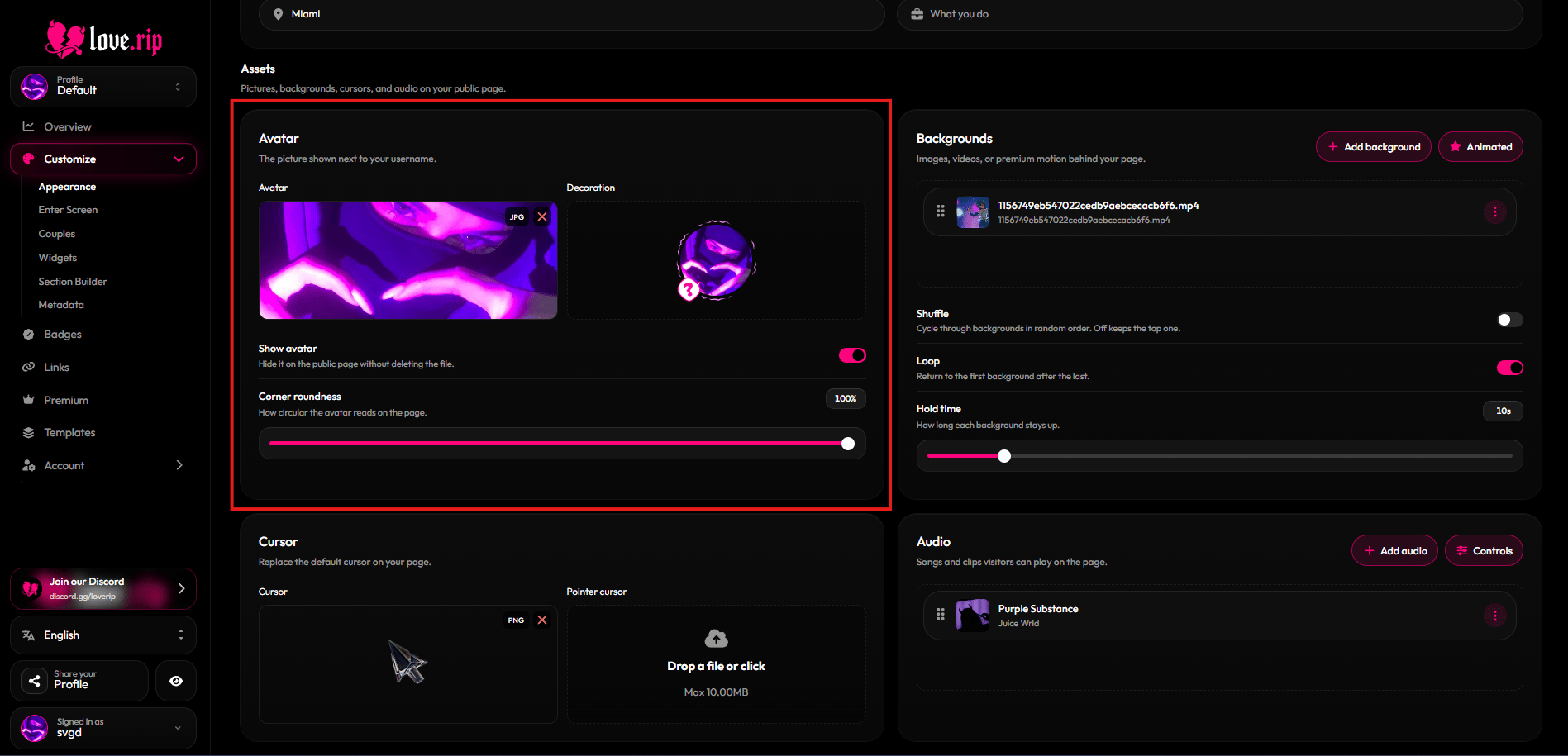
Upload a profile picture, then pick an avatar decoration to frame it. You can hide the avatar with **Show avatar** and adjust **Corner roundness**.
Avatars can be JPEG, PNG or WebP, up to 2MB.
 ## Backgrounds
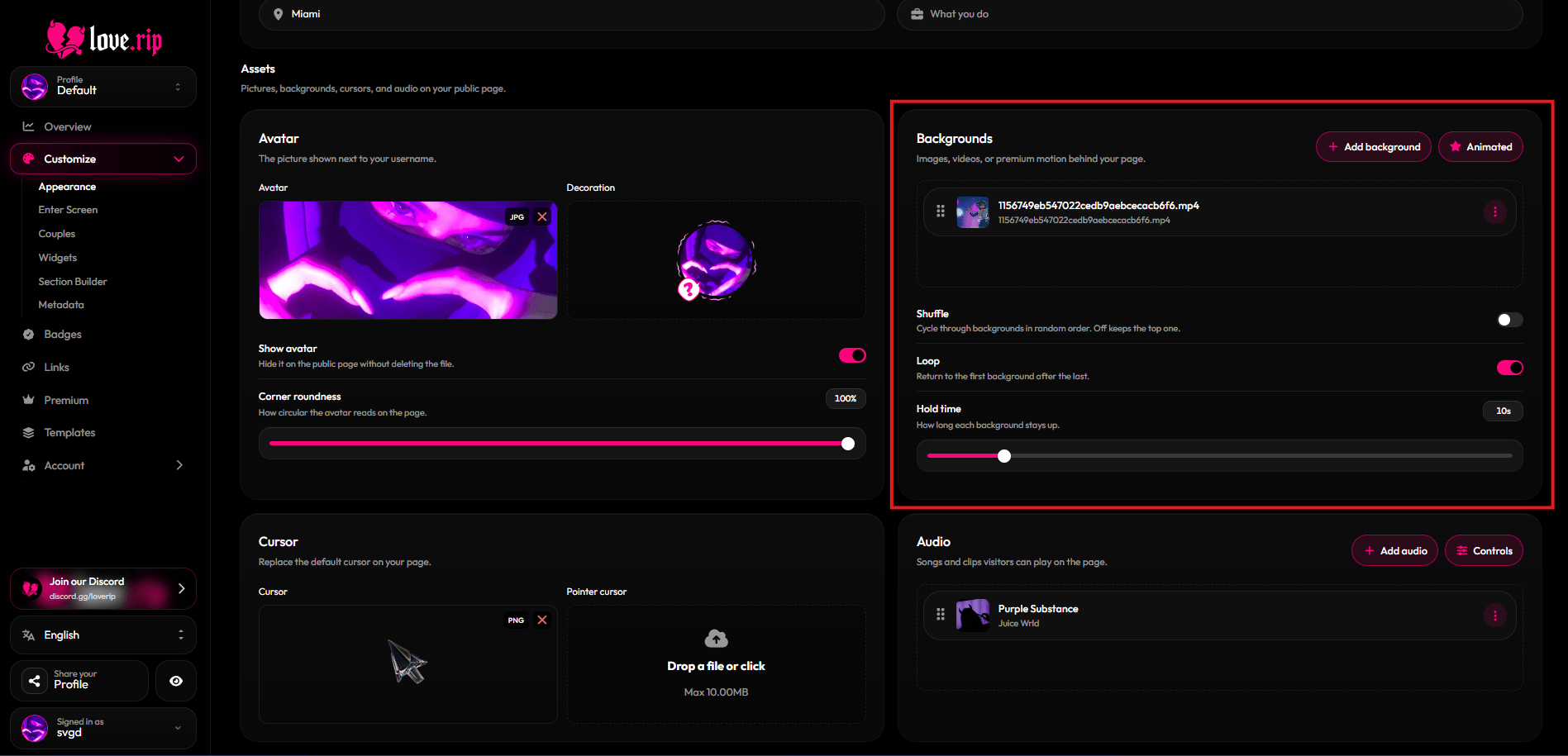
Add an image or video behind your page. With more than one, you can **Shuffle** them, **Loop** them and set the **Hold time** for each. Drag to reorder.
| | Free | Premium |
| - | - | - |
| Background slots | 1 | 8 |
Images: JPEG, PNG, WebP or GIF. Videos: MP4 or WebM. Backgrounds can be up to 100MB.
## Backgrounds
Add an image or video behind your page. With more than one, you can **Shuffle** them, **Loop** them and set the **Hold time** for each. Drag to reorder.
| | Free | Premium |
| - | - | - |
| Background slots | 1 | 8 |
Images: JPEG, PNG, WebP or GIF. Videos: MP4 or WebM. Backgrounds can be up to 100MB.
 ## Custom cursor
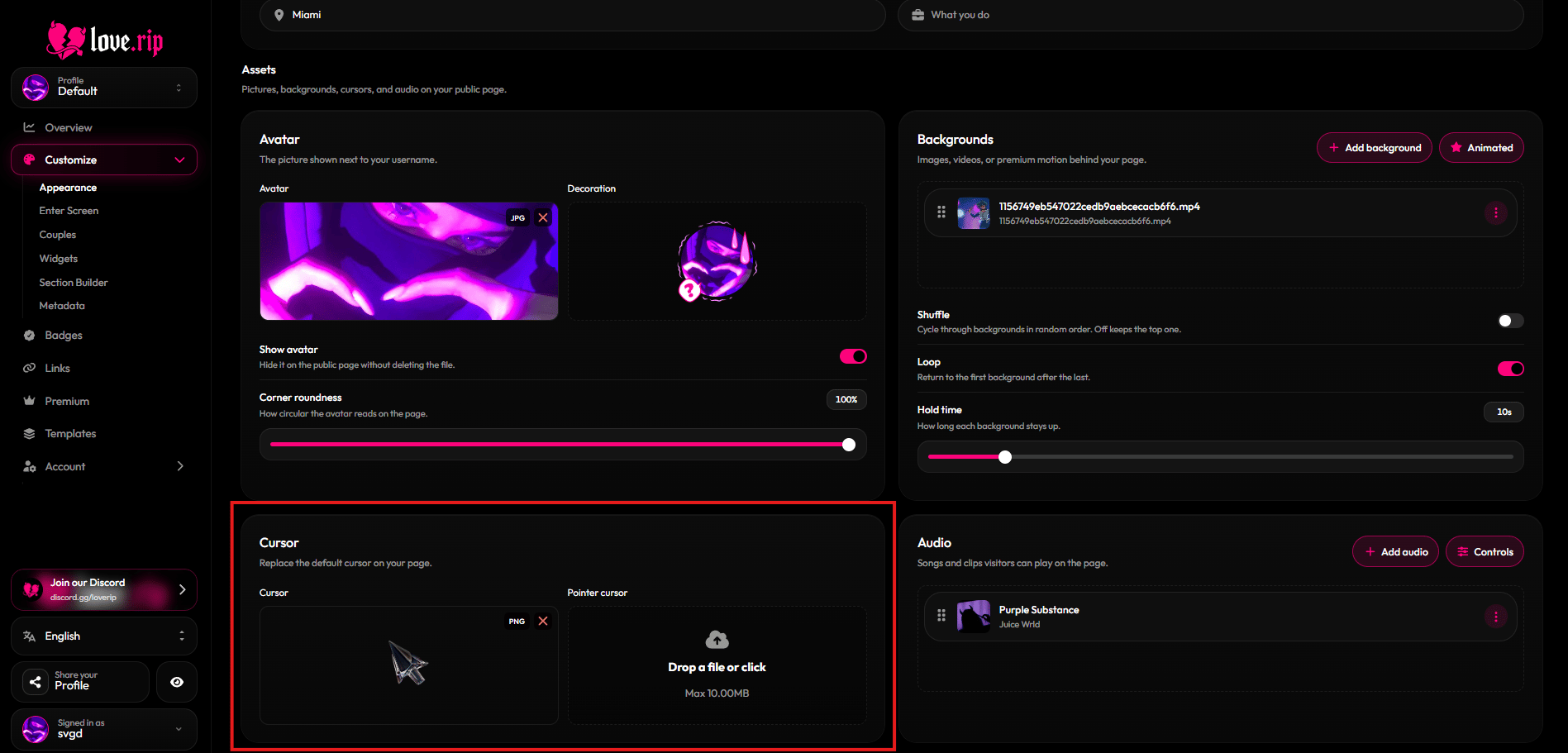
Swap the mouse pointer on your page. Set a normal **Cursor** and a **Pointer cursor** for when visitors hover over something clickable.
Cursors can be PNG, WebP or GIF.
## Custom cursor
Swap the mouse pointer on your page. Set a normal **Cursor** and a **Pointer cursor** for when visitors hover over something clickable.
Cursors can be PNG, WebP or GIF.
 ## Music player
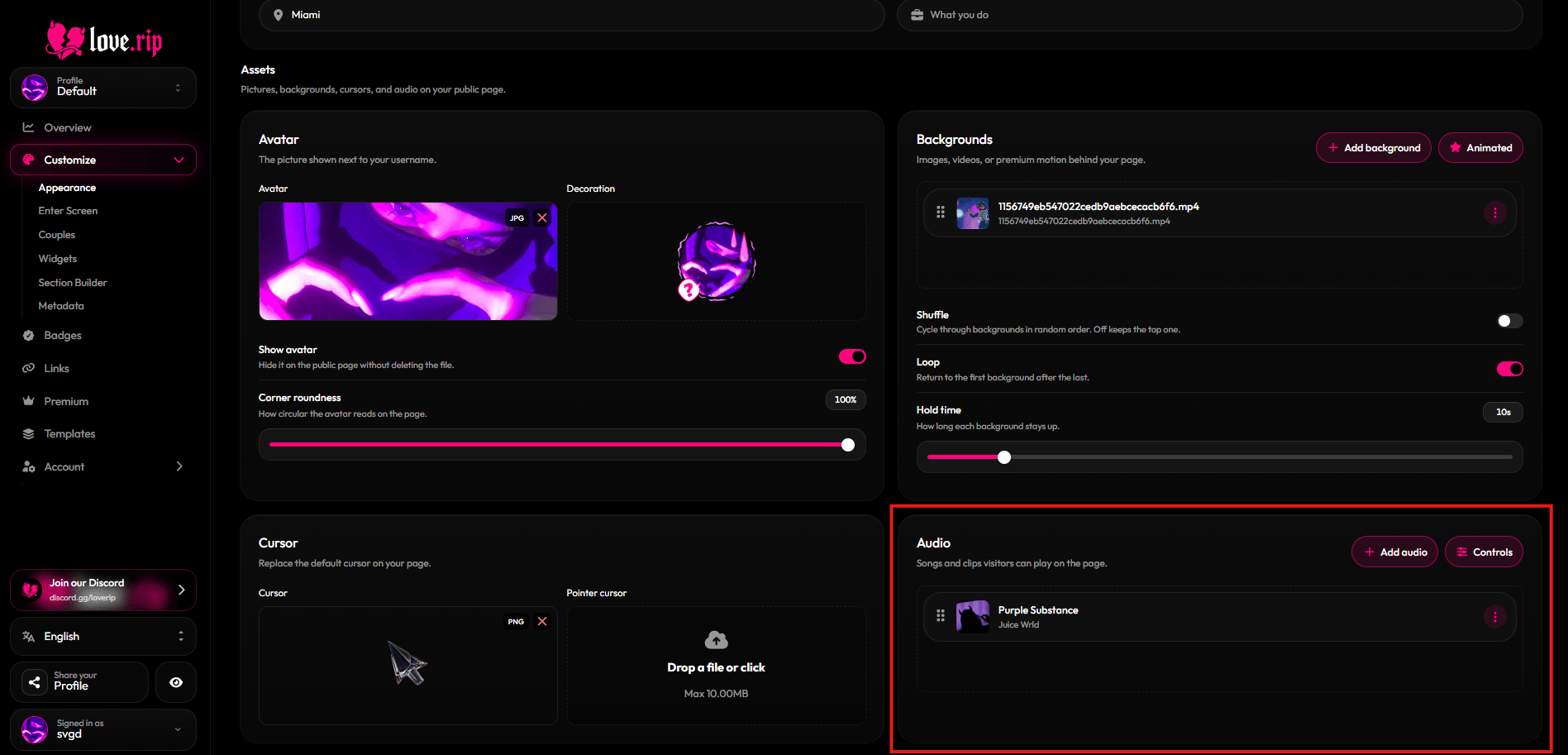
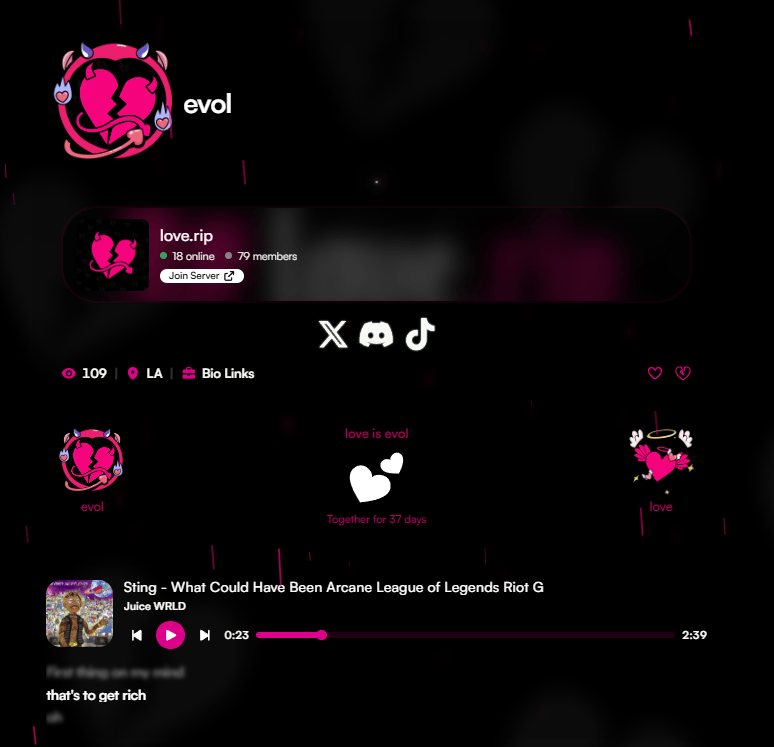
Add songs that play on your page. Drag tracks to reorder them.
| | Free | Premium |
| - | - | - |
| Audio tracks | 1 | 5 |
Player options:
* **Player style:** Normal or Lyrics (synced lyrics). With Lyrics, pick the **Lyrics position** (Below or Side) and **Lyrics alignment** (Left, Center or Right).
* **Bar layout:** Compact or Wide.
* **Cover shape:** Rounded square or Circle.
* **Blurred cover**, **Shuffle**, **Loop**, **Show player** and **Volume knob** toggles.
* **Starting volume.**
Audio can be MP3, OGG, WAV or WebM, up to 100MB per file.
## Music player
Add songs that play on your page. Drag tracks to reorder them.
| | Free | Premium |
| - | - | - |
| Audio tracks | 1 | 5 |
Player options:
* **Player style:** Normal or Lyrics (synced lyrics). With Lyrics, pick the **Lyrics position** (Below or Side) and **Lyrics alignment** (Left, Center or Right).
* **Bar layout:** Compact or Wide.
* **Cover shape:** Rounded square or Circle.
* **Blurred cover**, **Shuffle**, **Loop**, **Show player** and **Volume knob** toggles.
* **Starting volume.**
Audio can be MP3, OGG, WAV or WebM, up to 100MB per file.
 This documentation is built and hosted on [Mintlify](https://mintlify.com), a developer documentation platform.