> ## Documentation Index
> Fetch the complete documentation index at: https://docs.love.rip/llms.txt
> Use this file to discover all available pages before exploring further.
# Share card, favicon and tab title
> Control how your link looks when it's shared, plus your browser tab.
Premium
Metadata controls what people see when you paste your love.rip link somewhere, and how your browser tab looks.
**Where to find it:** Customize → **Metadata**, or [love.rip/dashboard/customize/metadata](https://www.love.rip/dashboard/customize/metadata).
Metadata is a Premium feature. It covers the custom favicon, share card, Discord embed and tab title motion.
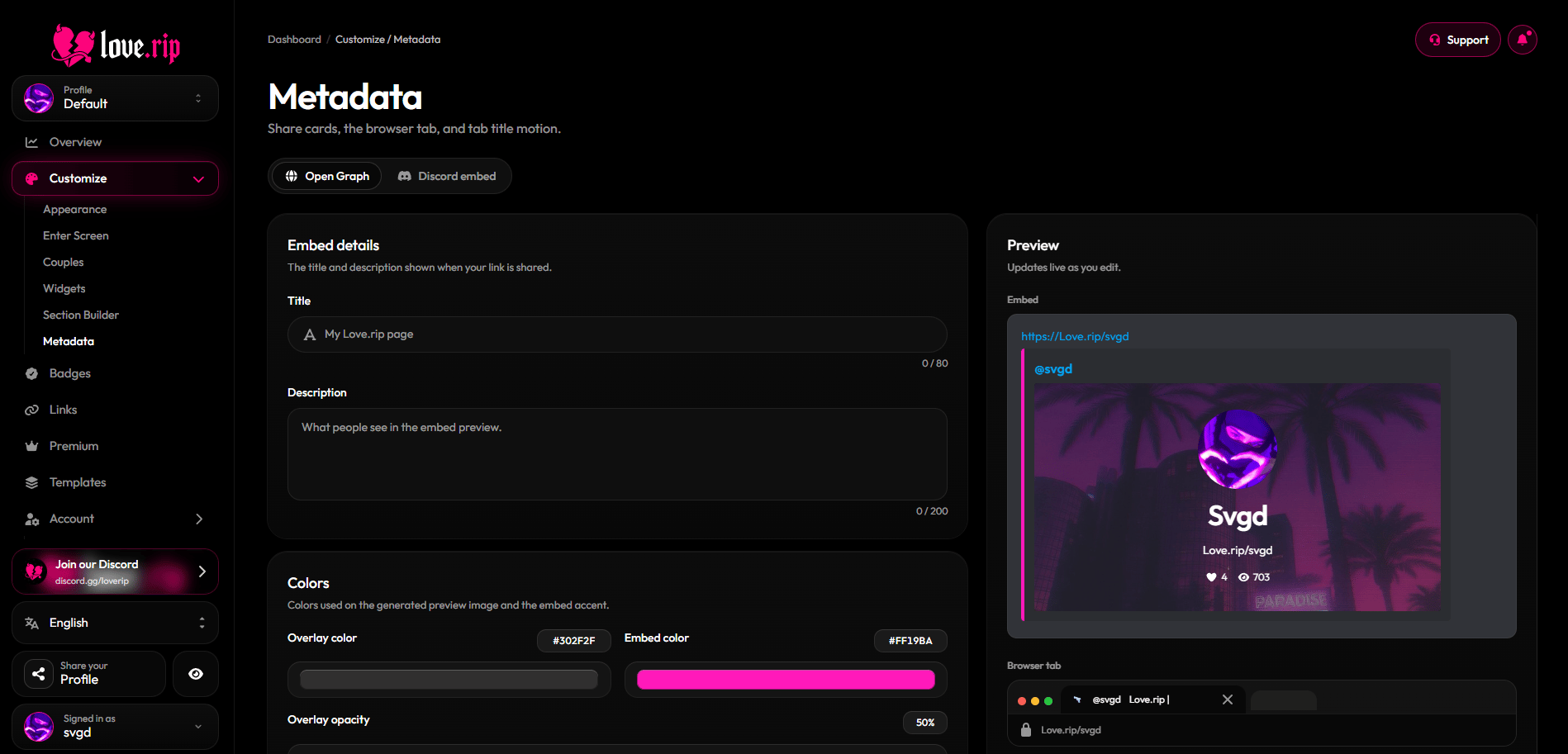 ## Open Graph share card
Set the title and description shown in link previews, and style the generated preview image. A live preview shows the embed and browser tab as you edit.
**Where to find it:** Metadata → **Open Graph** tab.
* **Embed details:** Title and Description.
* **Colors:** Overlay color and opacity, Embed color, and colors for your username, URL, likes, dislikes and views.
* **Assets:** a **Favicon** (32×32) for your browser tab and a **Card banner** (1200×630) for the share image. JPEG, PNG, WebP or GIF, up to 10MB.
* **Visibility:** choose whether the image prints your Username or Display name, and toggle Avatar, Name, URL, Likes, Dislikes and Views.
* **Download PNG:** grab the generated 1200 × 630 image. It shows your last saved version.
Link previews can take a few minutes to refresh after you save.
## Discord embed
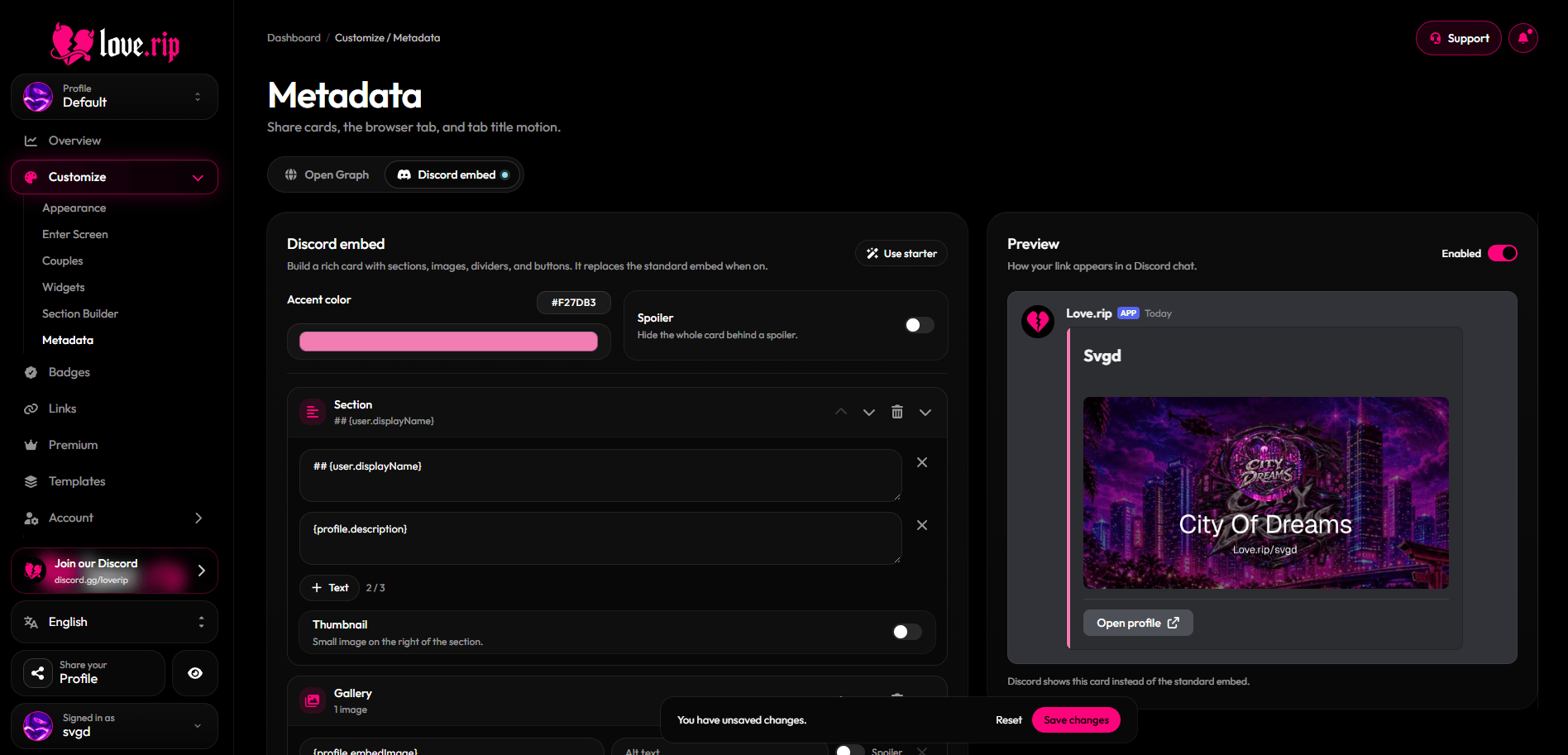
Design a custom card that Discord shows when your link is posted. When it's off, Discord shows the standard Open Graph embed instead. Turn it on with the toggle on the preview.
**Where to find it:** Metadata → **Discord embed** tab.
## Open Graph share card
Set the title and description shown in link previews, and style the generated preview image. A live preview shows the embed and browser tab as you edit.
**Where to find it:** Metadata → **Open Graph** tab.
* **Embed details:** Title and Description.
* **Colors:** Overlay color and opacity, Embed color, and colors for your username, URL, likes, dislikes and views.
* **Assets:** a **Favicon** (32×32) for your browser tab and a **Card banner** (1200×630) for the share image. JPEG, PNG, WebP or GIF, up to 10MB.
* **Visibility:** choose whether the image prints your Username or Display name, and toggle Avatar, Name, URL, Likes, Dislikes and Views.
* **Download PNG:** grab the generated 1200 × 630 image. It shows your last saved version.
Link previews can take a few minutes to refresh after you save.
## Discord embed
Design a custom card that Discord shows when your link is posted. When it's off, Discord shows the standard Open Graph embed instead. Turn it on with the toggle on the preview.
**Where to find it:** Metadata → **Discord embed** tab.
 ## Browser tab animation
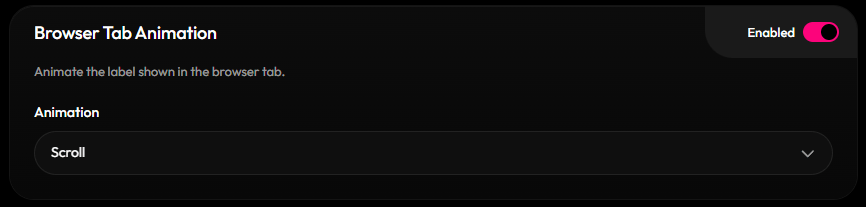
Animate the text in your browser tab with **Typewriter**, **Scroll** or **Flashing**.
**Where to find it:** Metadata → Open Graph tab → **Browser Tab Animation**.
## Browser tab animation
Animate the text in your browser tab with **Typewriter**, **Scroll** or **Flashing**.
**Where to find it:** Metadata → Open Graph tab → **Browser Tab Animation**.
 This documentation is built and hosted on [Mintlify](https://mintlify.com), a developer documentation platform.