

nickname, then love.rip/nickname opens the profile you chose.
Where to find it: Account → Settings → Names tab, or love.rip/dashboard/account.
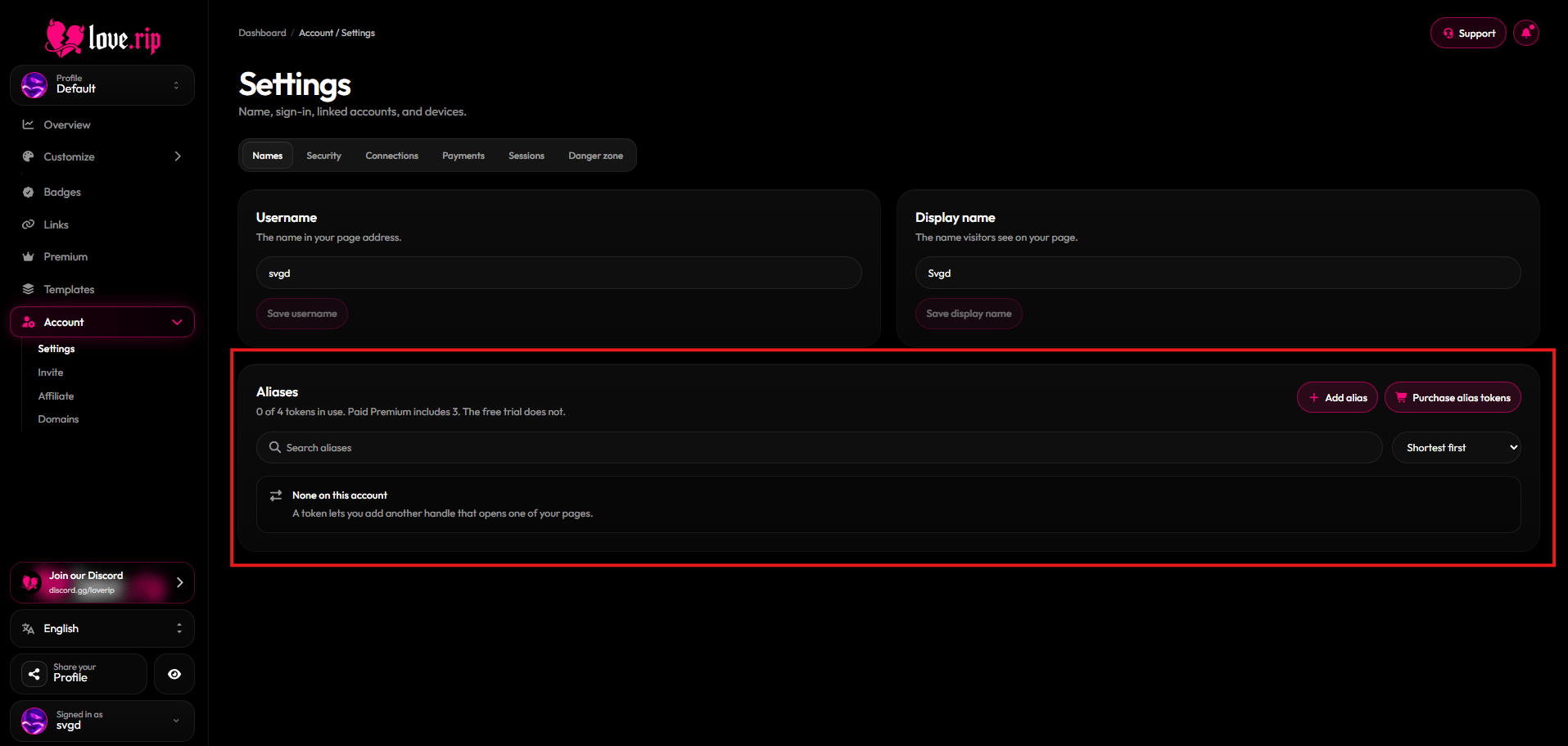
The Aliases panel
Add an alias
1
Get an alias token
Each alias uses 1 alias token. Buy them at love.rip/pricing/alias ($1.99 each).
2
Add it
In the Aliases panel, enter the handle you want and pick which profile it should open.
Paid Premium includes 3 alias tokens. The free trial does not.