

Layout presets
Choose the overall shape of your page: Classic, Modern, Split or Floating. Where to find it: Customize → Appearance → Layout tab, or love.rip/dashboard/customize?tab=layout.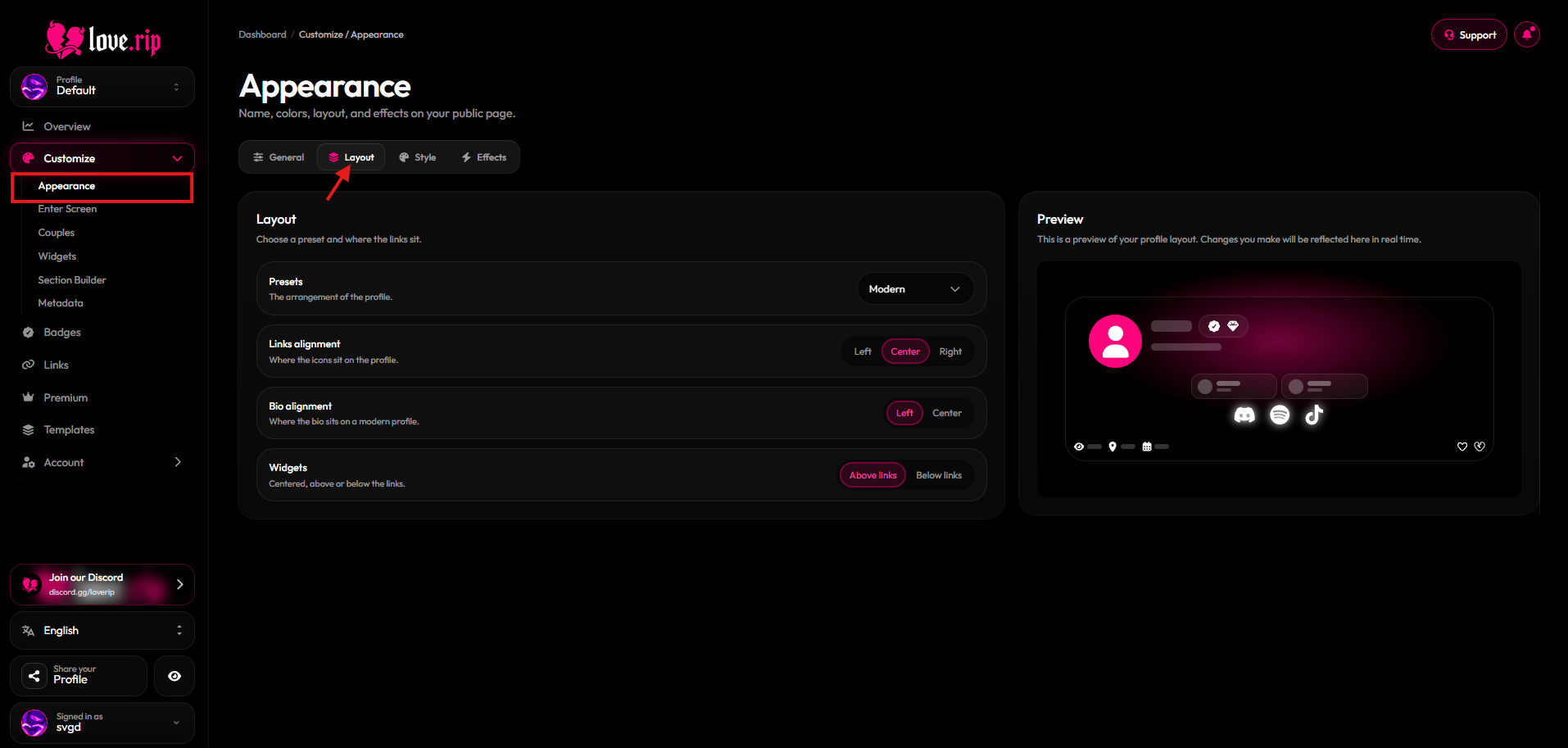
The Layout tab with presets
Alignment and placement
Fine-tune where things sit:- Links alignment: Left, Center or Right.
- Bio alignment: Left or Center (Modern layout only).
- Badges: Next to username or Below username (Classic and Floating layouts only).
- Widgets: Above links or Below links.
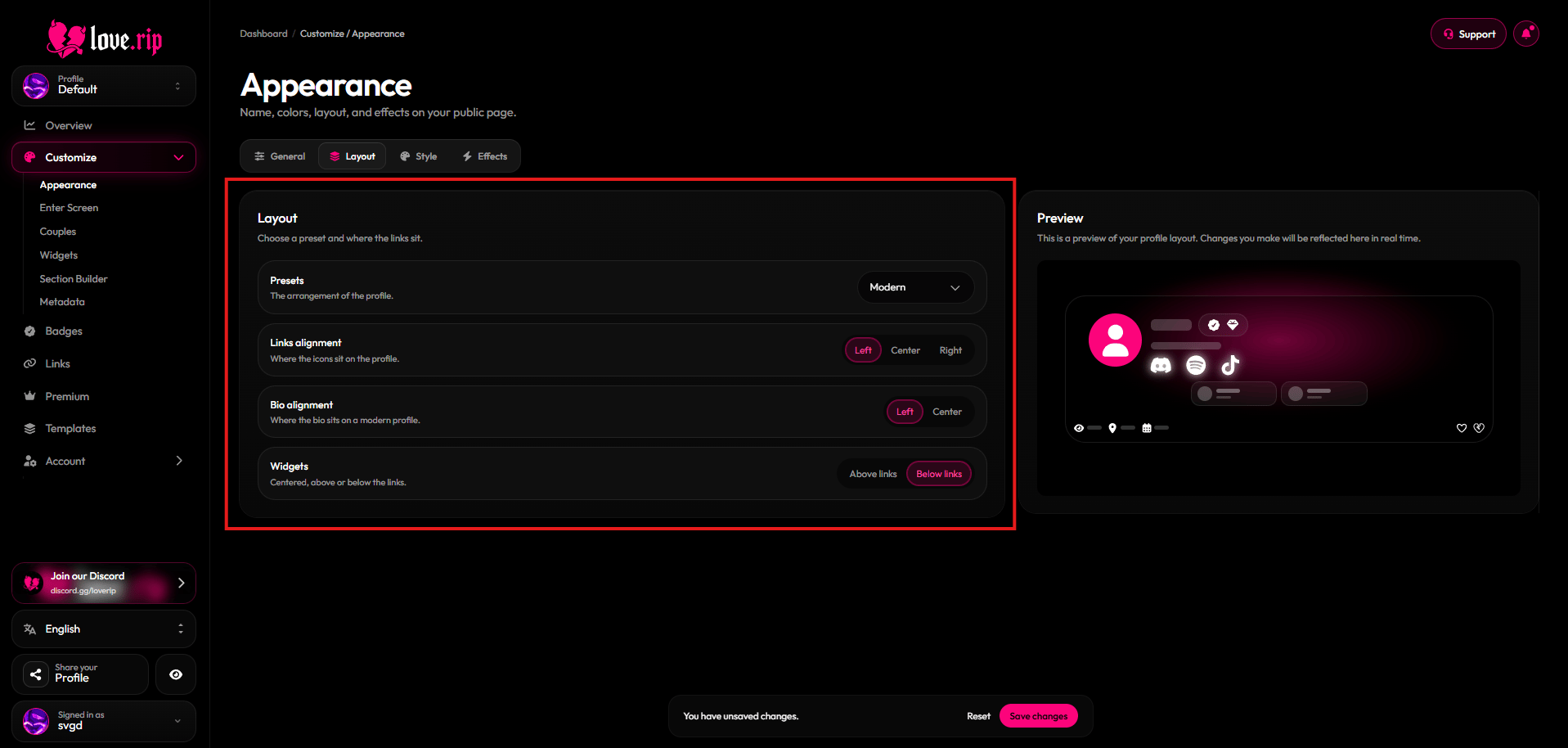
Alignment options