

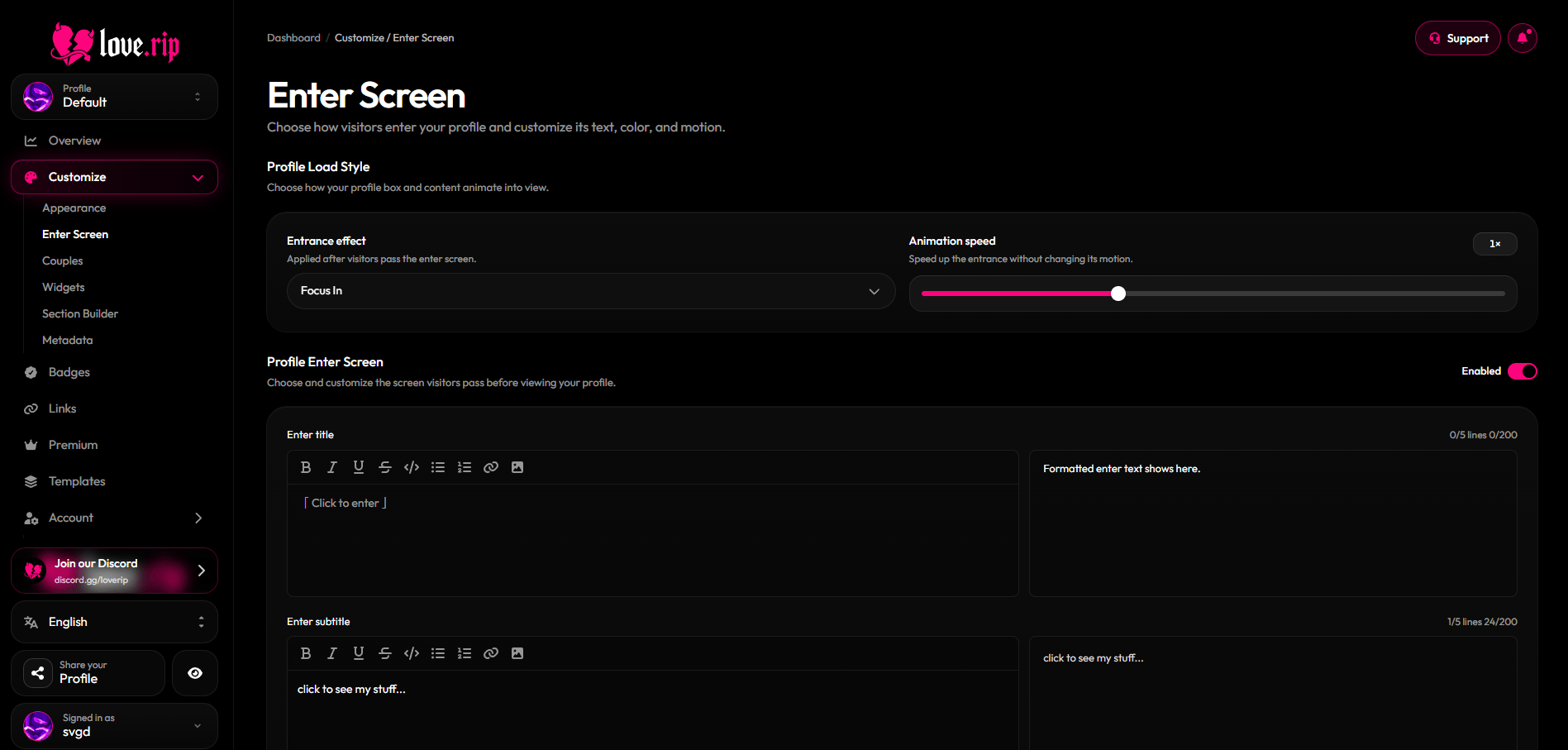
The Enter Screen page
Enter screen
The screen visitors click through before they see your profile. Use the toggle in the section header to turn it on or off.1
Write your text
Fill in the main text and the secondary text. Each can have up to 200 characters and 5 lines. Use the toolbar for bold, italic, underline, strike, code, lists, links and images.
2
Pick a style
Choose an Enter screen style: Classic, Horizontal Split, Vertical Split, Slide Up, Slide Down, Slide Left or Slide Right. Premium adds Terminal Loading, Profile Intro and Paper Burn Premium.
3
Animate the text
Choose a Text animation: None, Fade Up, Typewriter, Decrypt, Blur In or Scale In.
4
Set colors and backdrop
Pick the Primary Text Color, Secondary Text Color and Accent Color. Then set Backdrop Opacity (0–100%), Backdrop Blur (0–40px) and Animation Speed (0.5×–2×).
5
Save
Hit Save in the bar at the bottom.
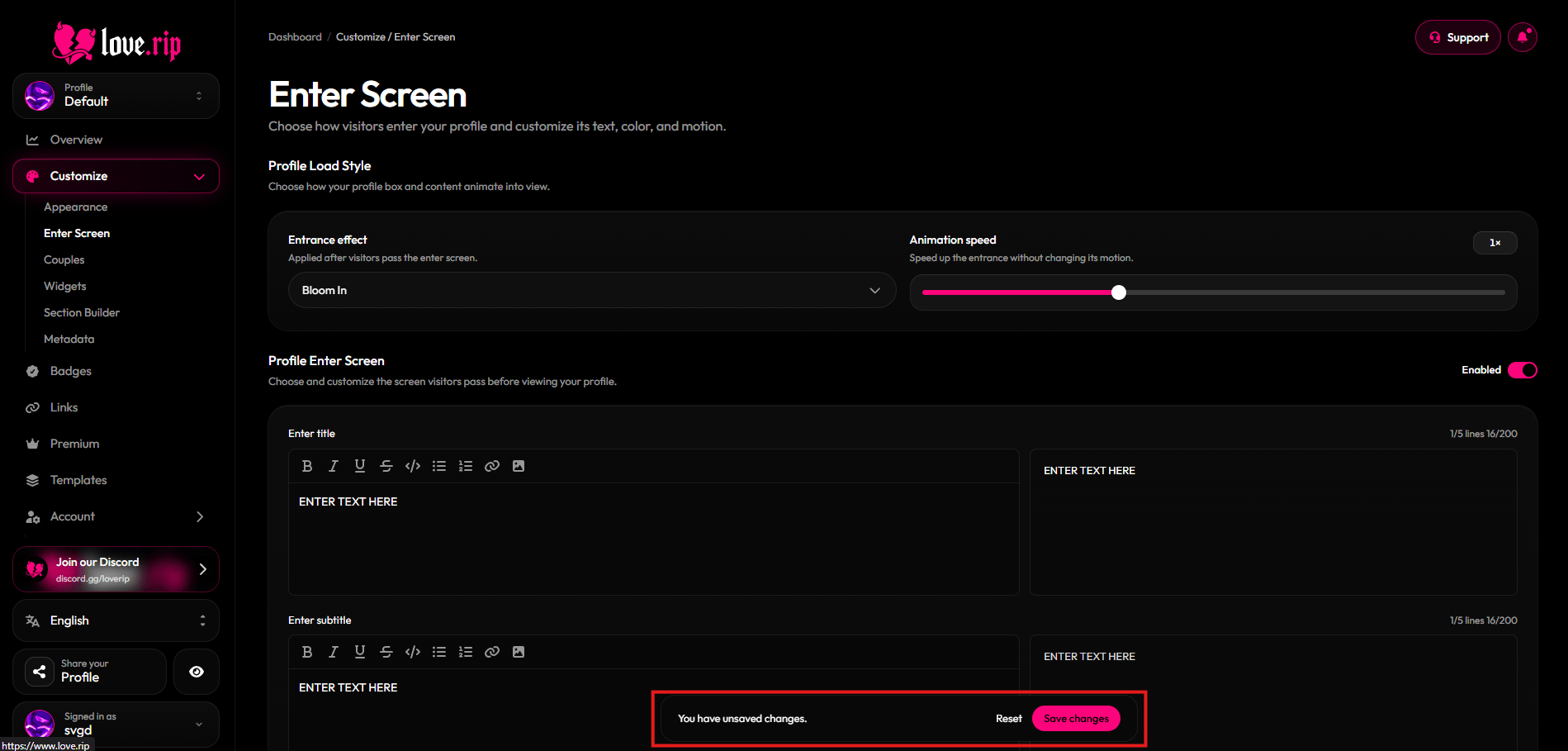
Enter screen text editor and style options
Profile load style
Choose how your profile box and content animate in after the enter screen. Set the Entrance effect and its Animation speed (0.5×–2×).- Free: Bloom In, Focus In
- Premium Premium: Float Up, Sweep Reveal, Elastic, Digital Glitch, Motion Blur, Card Deal
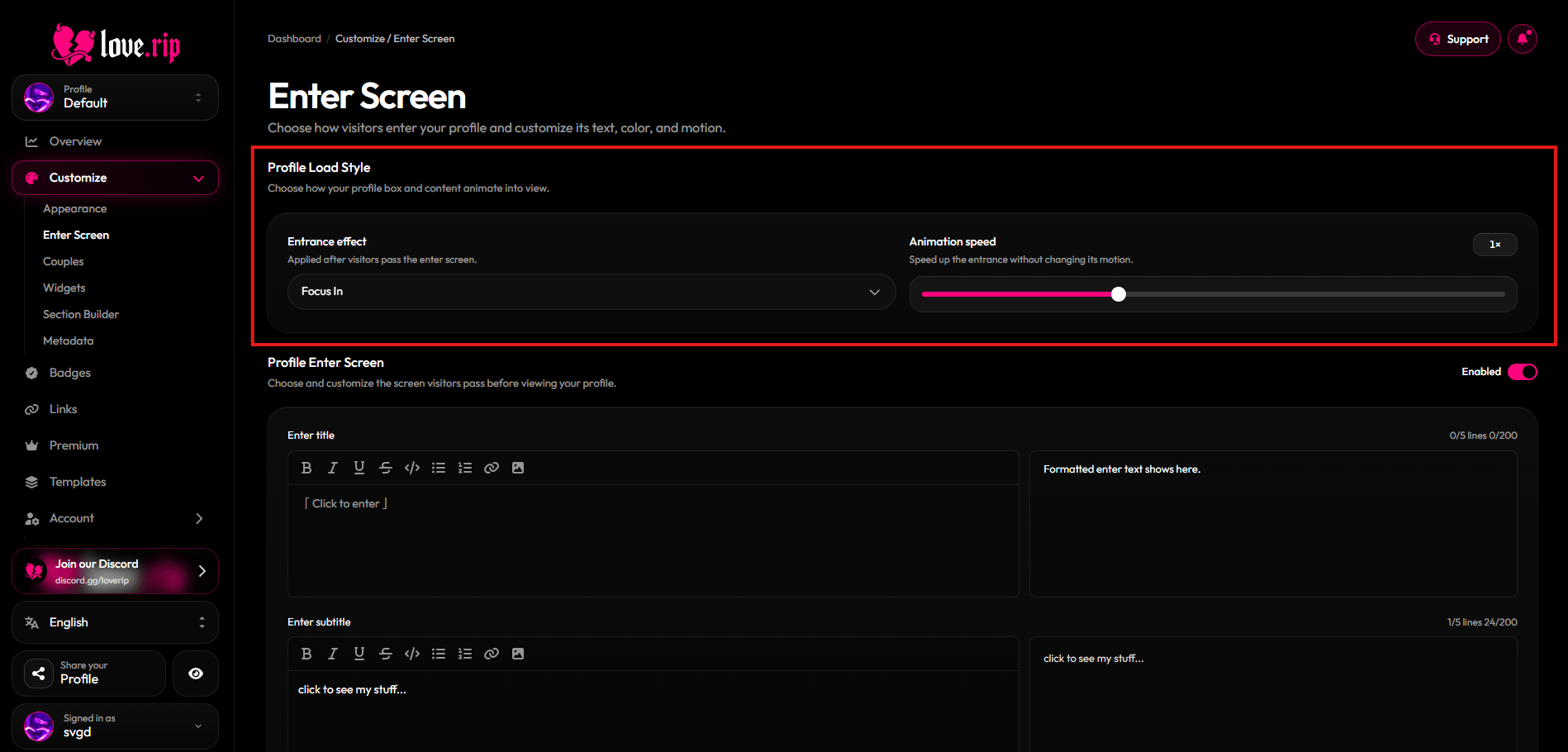
Profile load style