

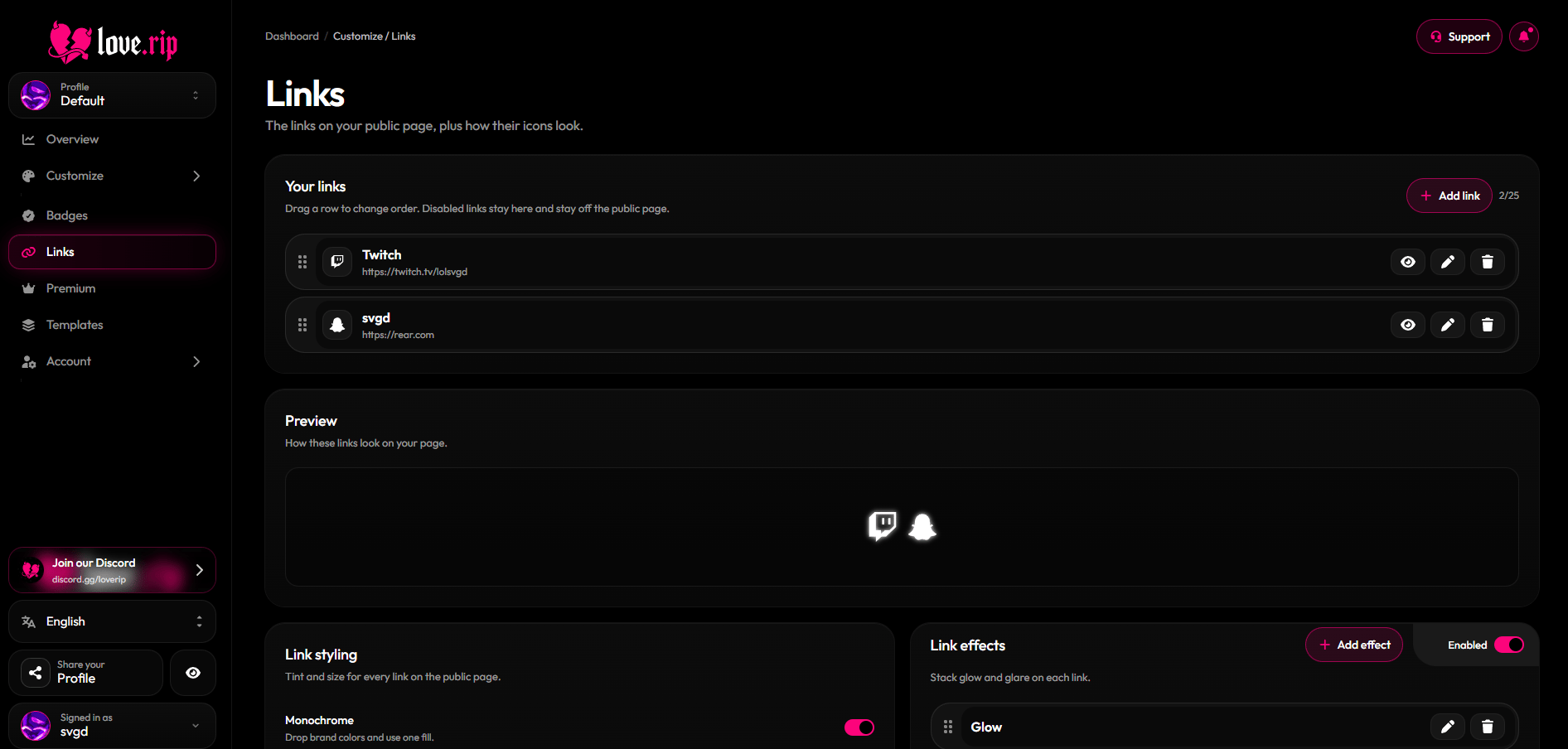
The Links page
Add a link
1
Pick a platform
Choose from Snapchat, Instagram, TikTok, YouTube, X, Discord, Twitch, Spotify, Facebook, WhatsApp, Telegram, Threads, LinkedIn, GitHub, Reddit, Pinterest, SoundCloud, Cash App, PayPal, Venmo, Patreon, Ko-fi, Steam, Roblox, Bluesky, Amazon, Shopify, Figma, Behance, Dribbble, GitLab, Bitbucket, Last.fm, Tidal, Tumblr, Letterboxd, IMDb, Quora, Signal, Intercom, Mastodon, Bitcoin, Ethereum, Solana, Monero, or Custom.
2
Fill it in
Enter your username or URL. Custom links also get a title and an icon: upload your own (up to 10MB) or search the Iconify icon library.
3
Extras
Pick a color tint for the icon. Turn on Show as text only to show the destination as text that visitors copy when they click it (handy for crypto addresses or usernames).
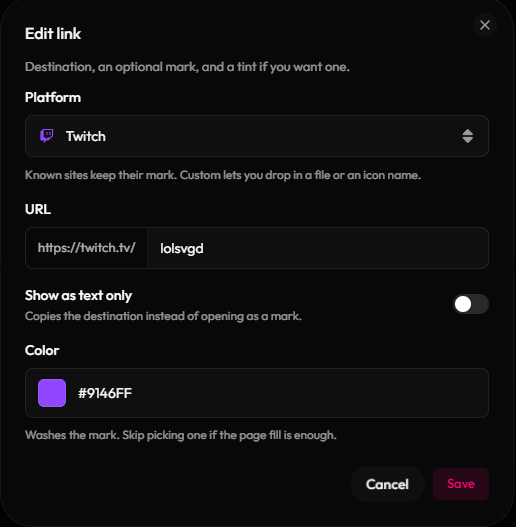
The link editor
Manage your links
Drag links to reorder them. Use the buttons on each link to hide/show, edit or delete it.Link styling
- Monochrome: make every icon one fill color.
- Scale: resize icons from 50% to 150%.
- Effects: add Glow or Glare.
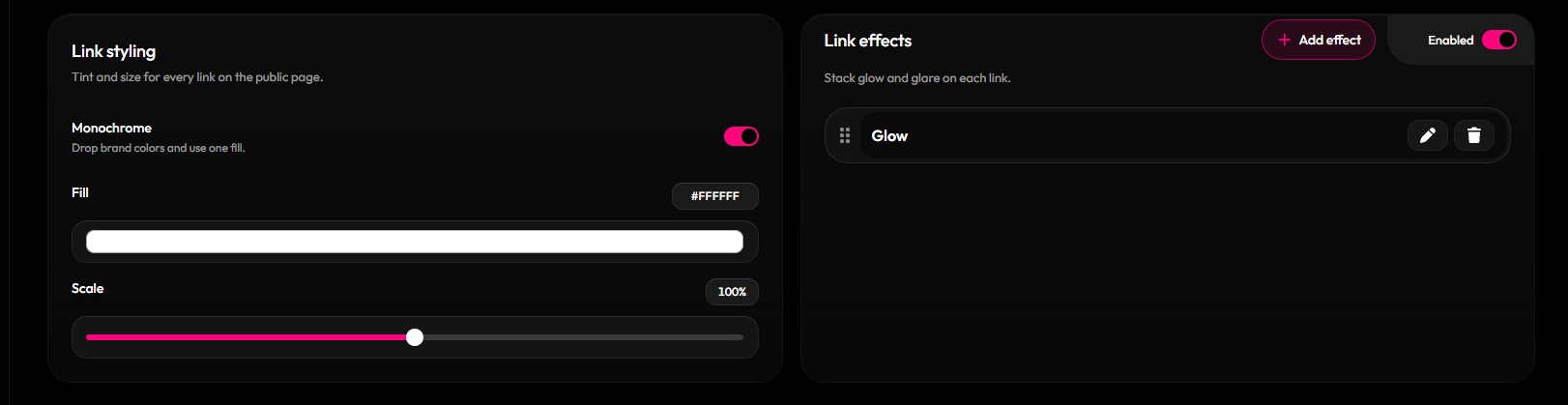
Link styling options